

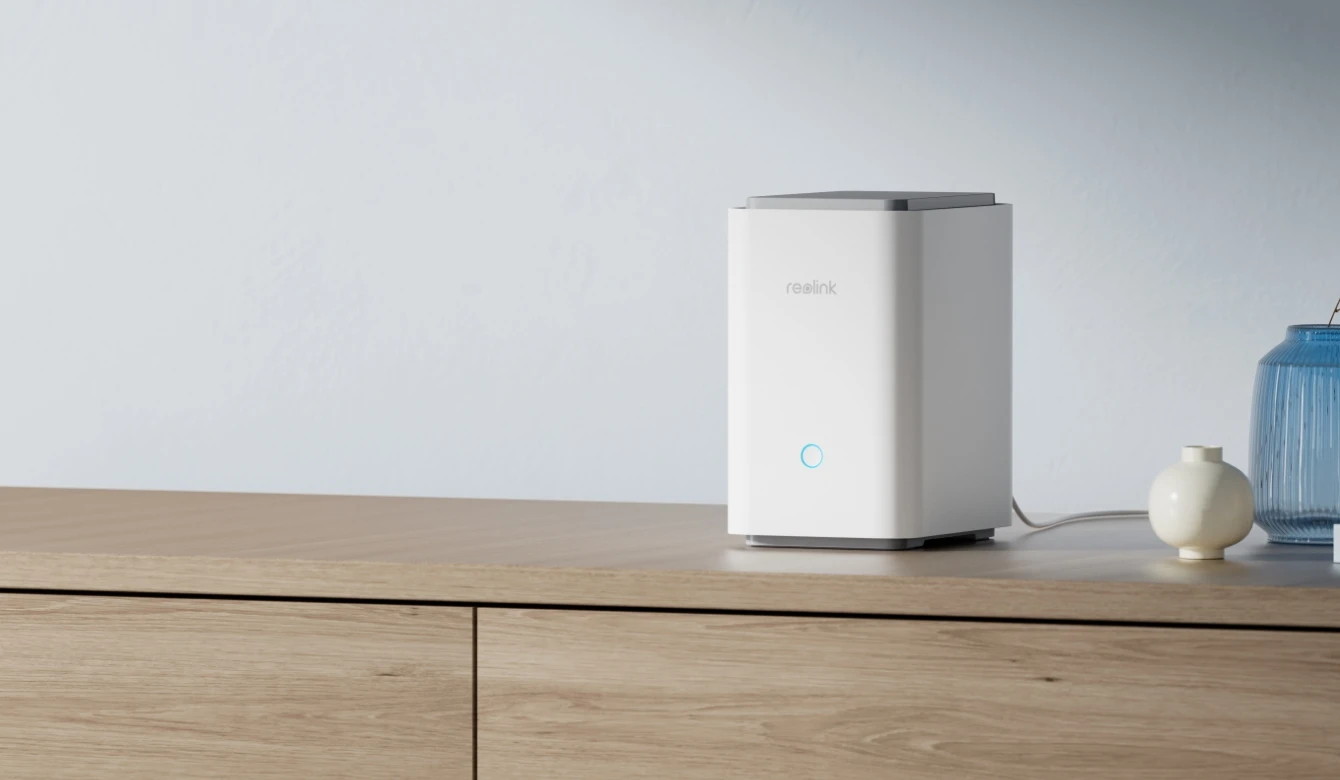
Local Storage at No Extra Cost
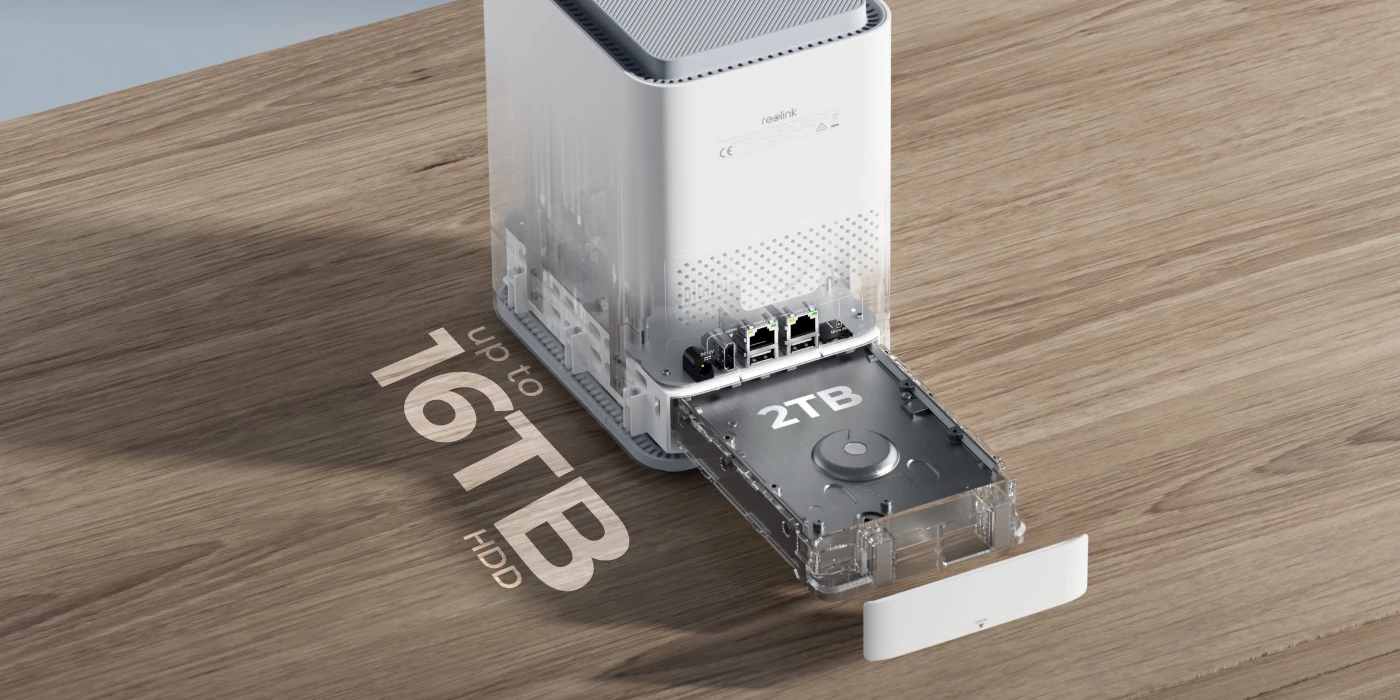
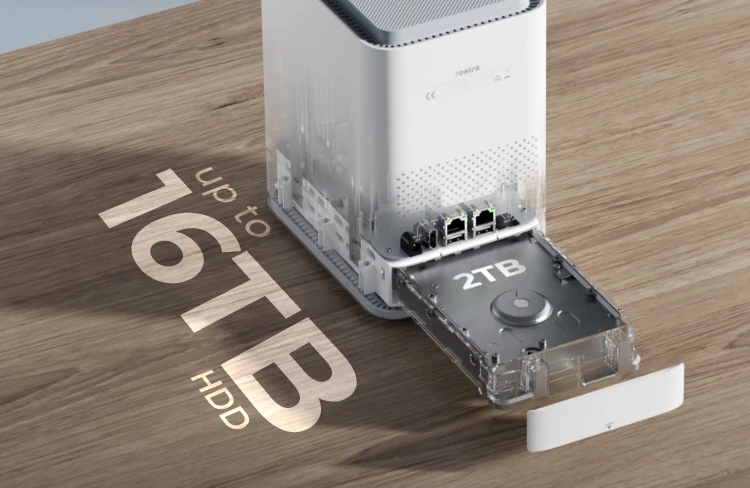
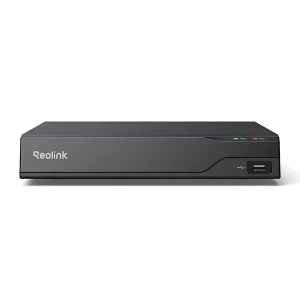
Record every second locally on the Home Hub Pro. With a built-in 2TB HDD, it offers ample storage without recurring costs. Need more space? Easily expand your storage with an HDD up to 16TB. Rest easy knowing your home is under watchful eyes 24/7.

Centralized Management for Seamless Control
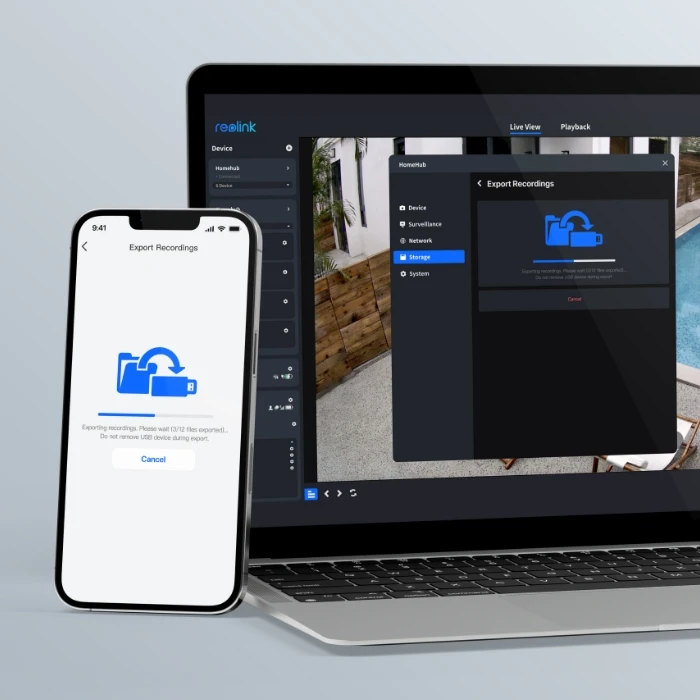
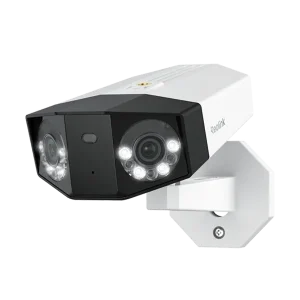
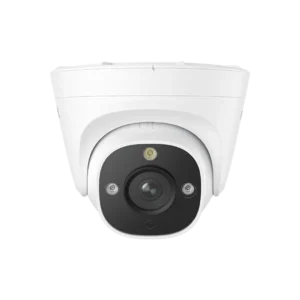
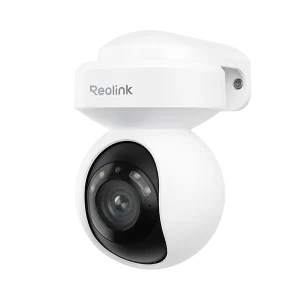
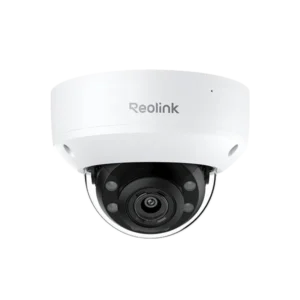
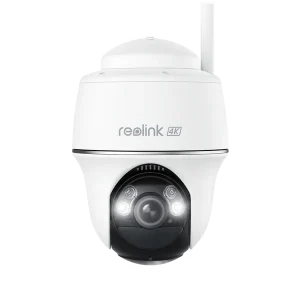
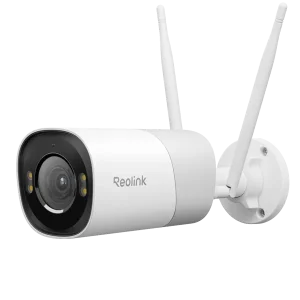
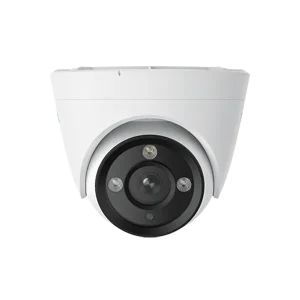
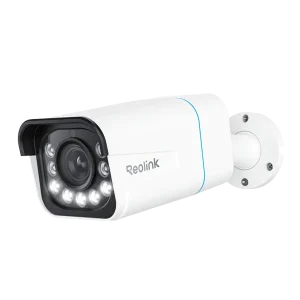
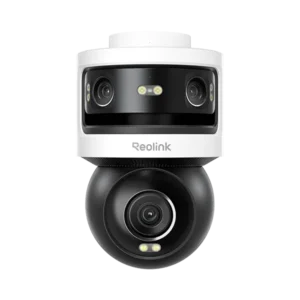
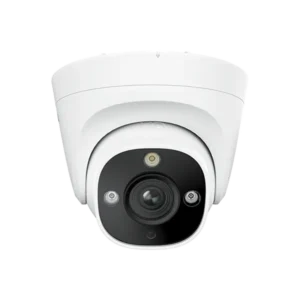
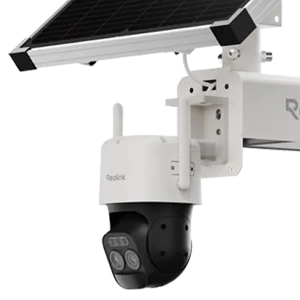
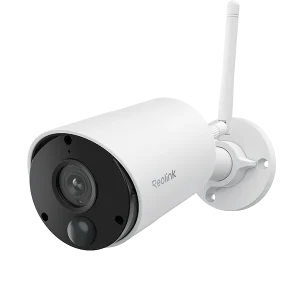
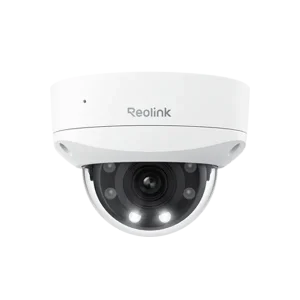
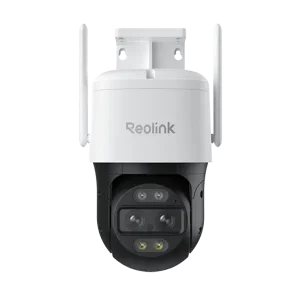
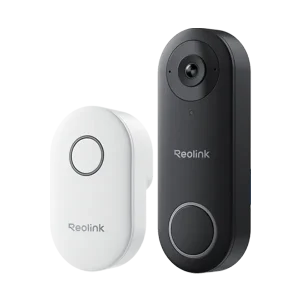
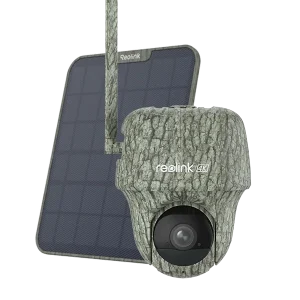
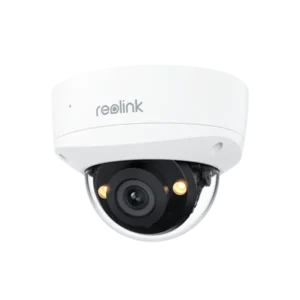
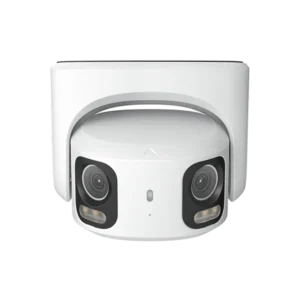
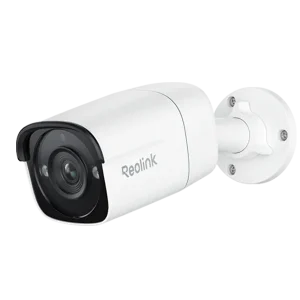
Streamline your security with this centralized solution. Seamlessly integrating with a wide range of cameras, the Home Hub Pro efficiently manage your Reolink devices and footage across multiple channels from a single interface. * Reolink Home Hub Series products are currently compatible with all Reolink PoE cameras, Plug-in Wi-Fi cameras, and most recently released battery Wi-Fi cameras except 2MP battery cameras and 4G cameras. Check compatible Reolink cameras
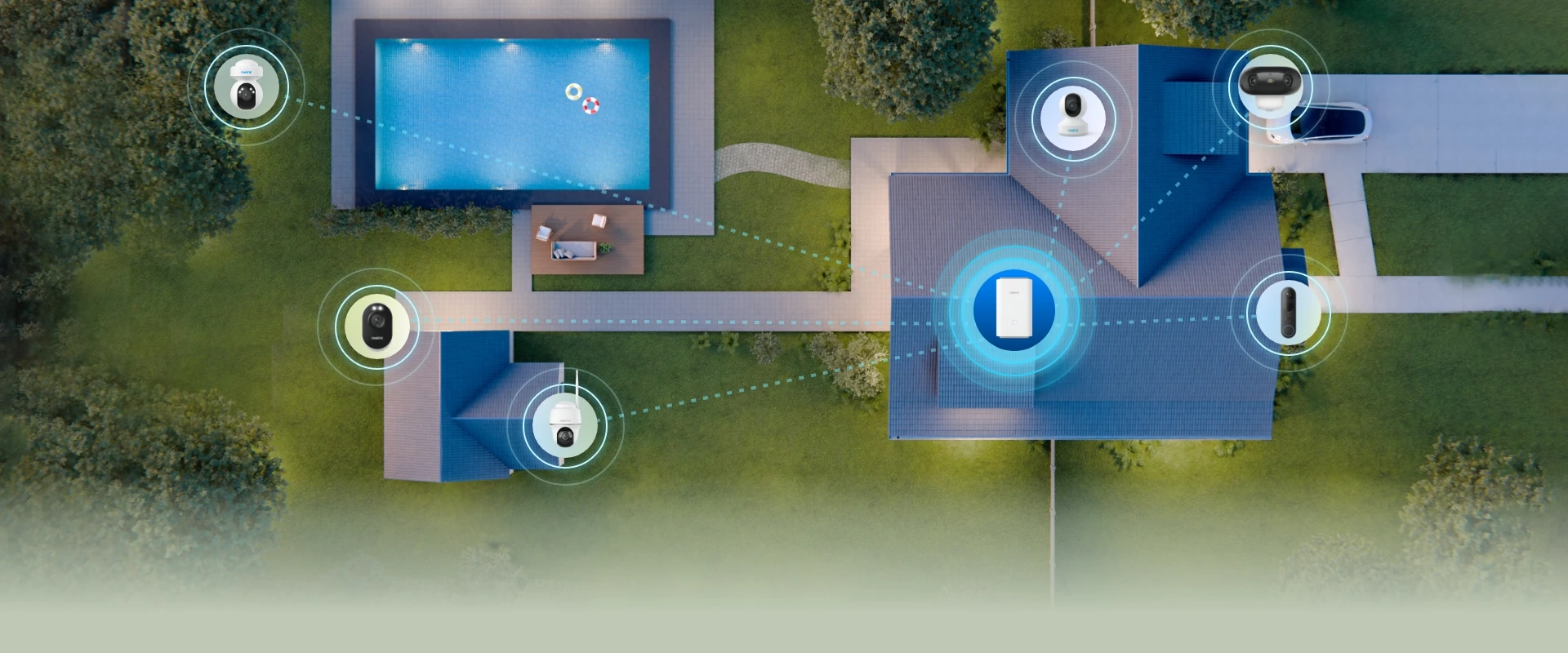
Encrypted Storage
With anti-theft encryption algorithms, your recordings remain completely inaccessible without the correct password—even after a device reset. Whether your device is stolen or videos are transferred without permission, you can trust that your data stays private and secure.
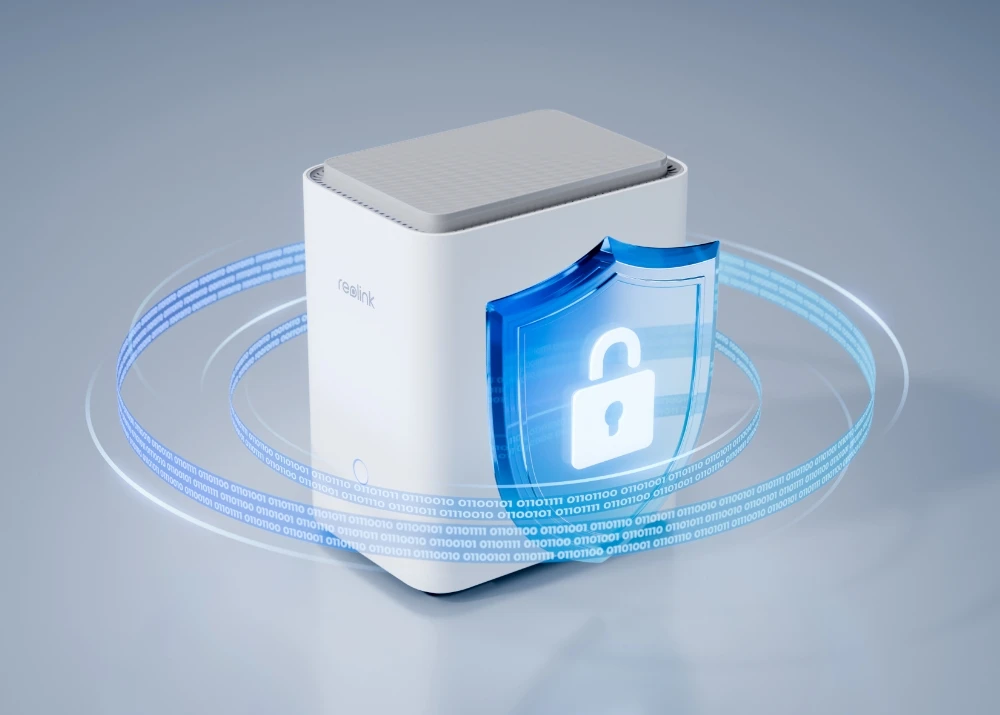
Local Recording
Store footage directly on your device and enjoy reliable access anytime, even without an Internet connection. No monthly fees. With local recording, you have full control over your data, ensuring privacy and minimizing the risk of unauthorized access
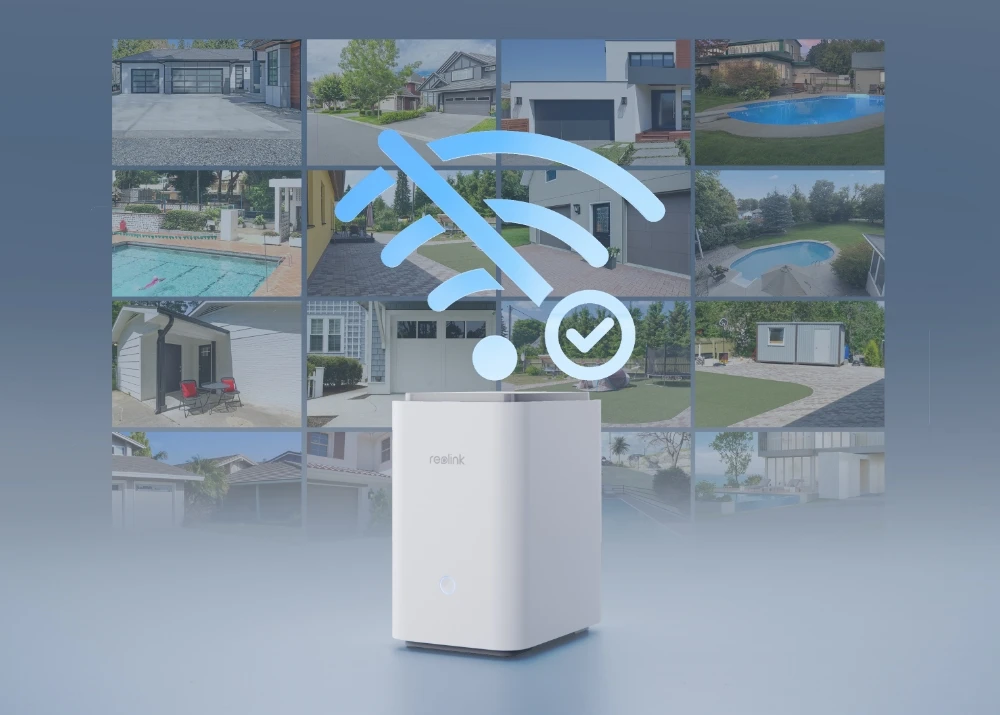
LAN Access
The Home Hub Pro allows for direct management and control over data within the local network, ensuring enhanced data security and reduced vulnerability to external threats compared to Internet-based methods.
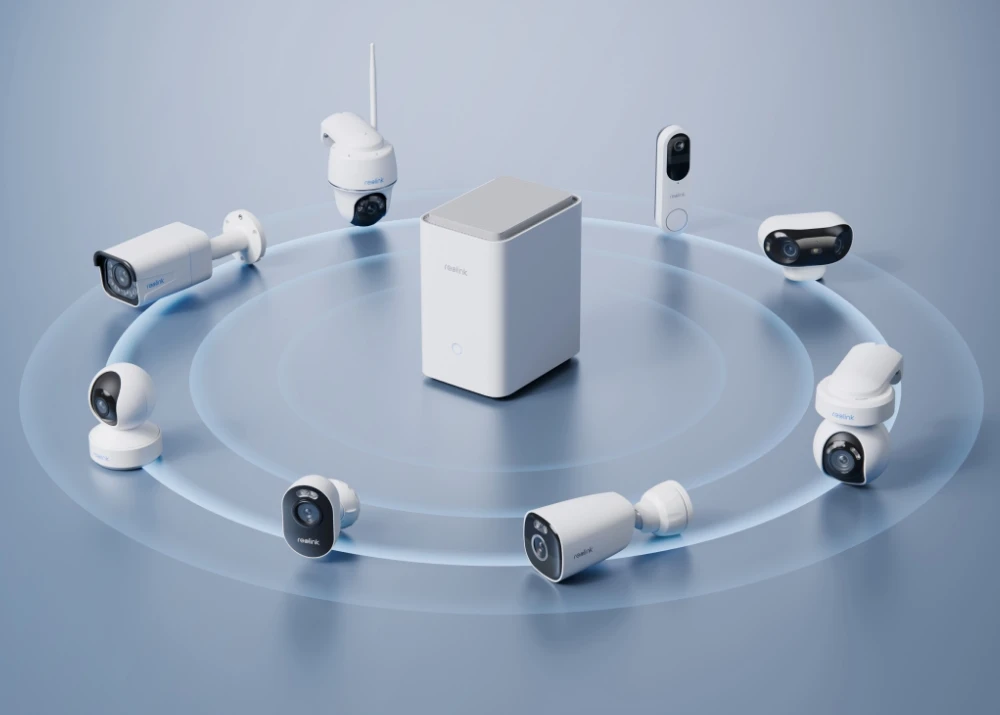
Smart Alarm Center
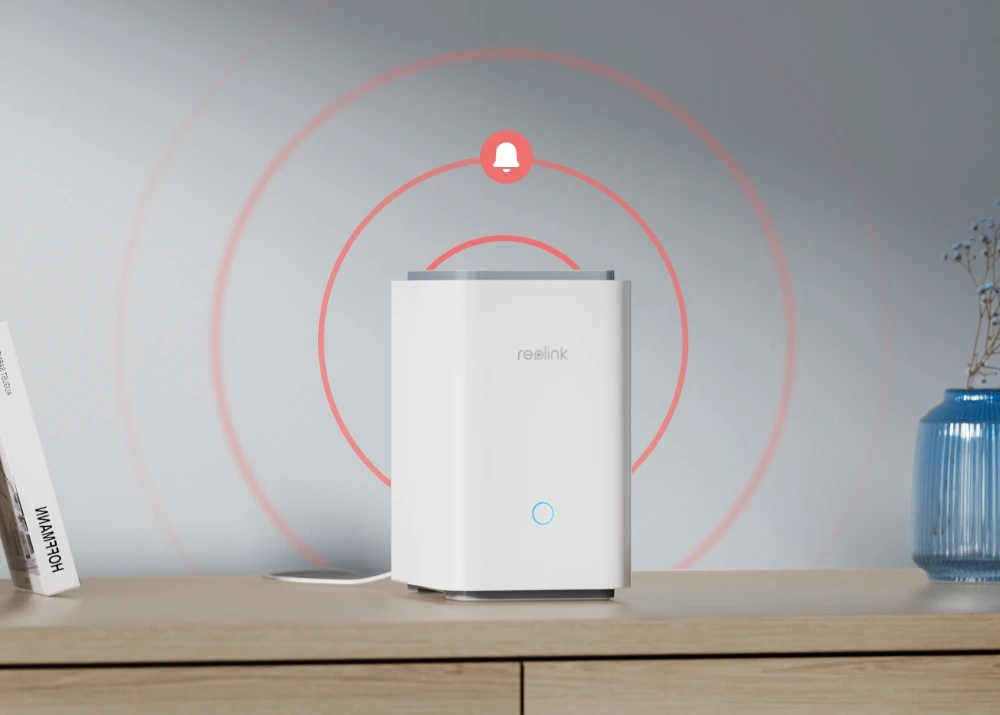
Integrating with smart cameras featuring free detection for persons, vehicles, and animals, Reolink Home Hub Pro triggers a siren alert for any detected motion. Enjoy a personalized security experience by choosing from various ringtones or customizing your alert sound.
Weekly Summary
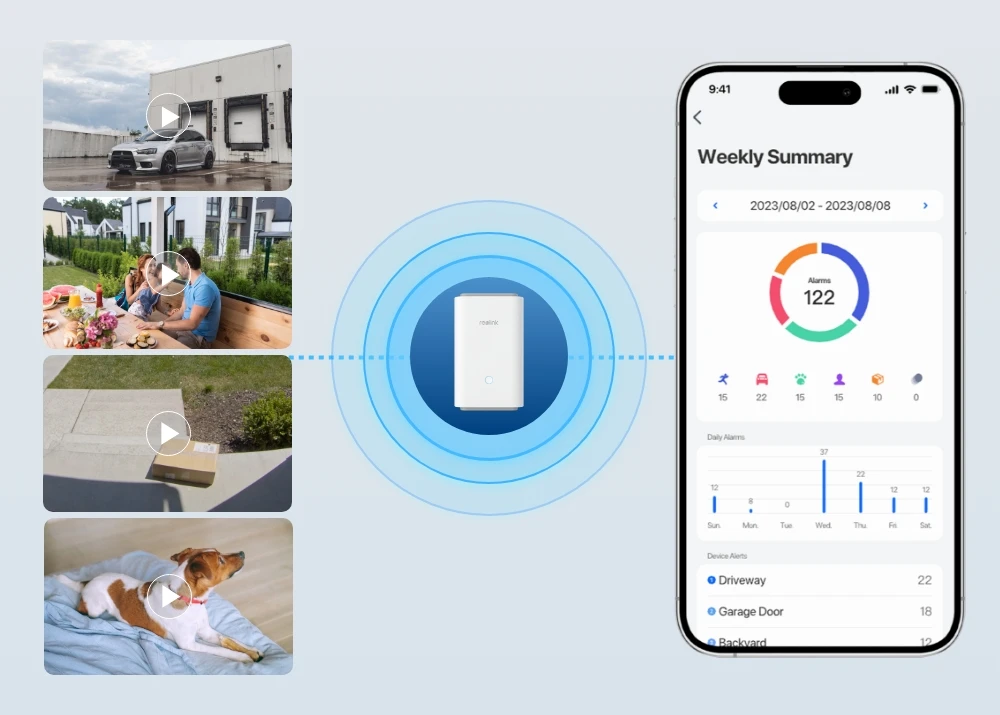
View event history to effortlessly track and filter detection events from all connected cameras by date range, device, and event type. Get a complete picture of any event by viewing simultaneous footage from various cameras. Stay on top of your home security with weekly summaries that highlight alarm trends, types, and the devices involved.
Up to 16MP Live Streaming
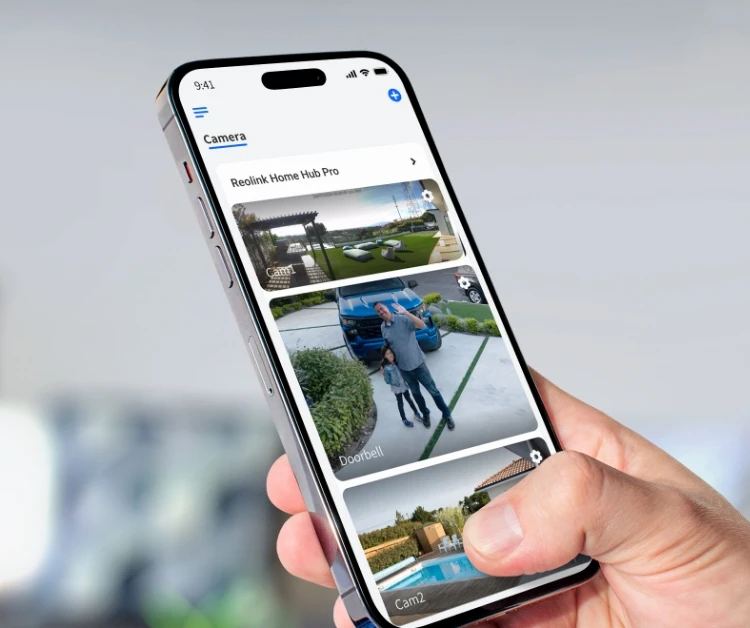
Unlock incredibly detailed 16MP live feeds and smart playback across multiple cameras, all just a tap away on the Reolink App. Download Reolink app and client

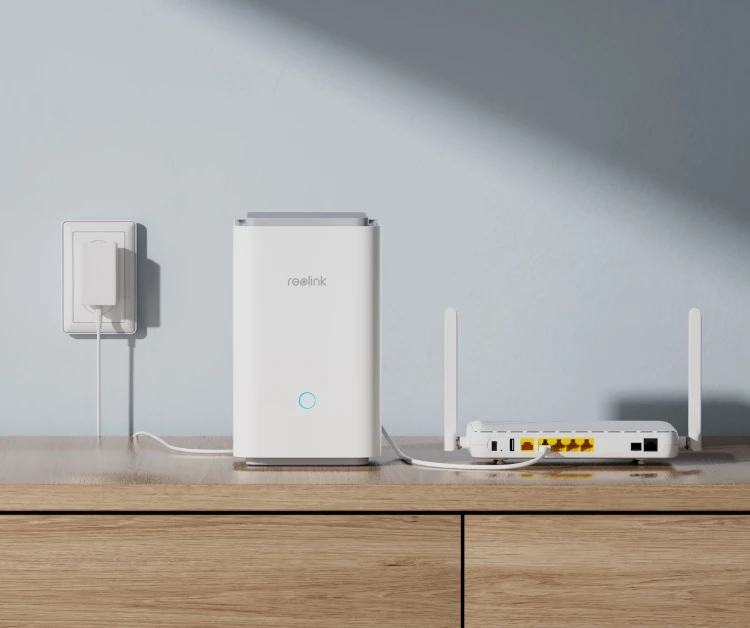
1. Set up the hub.
Connect the Reolink Home Hub Pro to a power source and then to the router using the included Ethernet cable.
2. Initialize the hub.
Open the Reolink App, follow the instructions to complete the initial setup, and then add your camera to it. *Please update the device firmware to the latest version before initial setup.
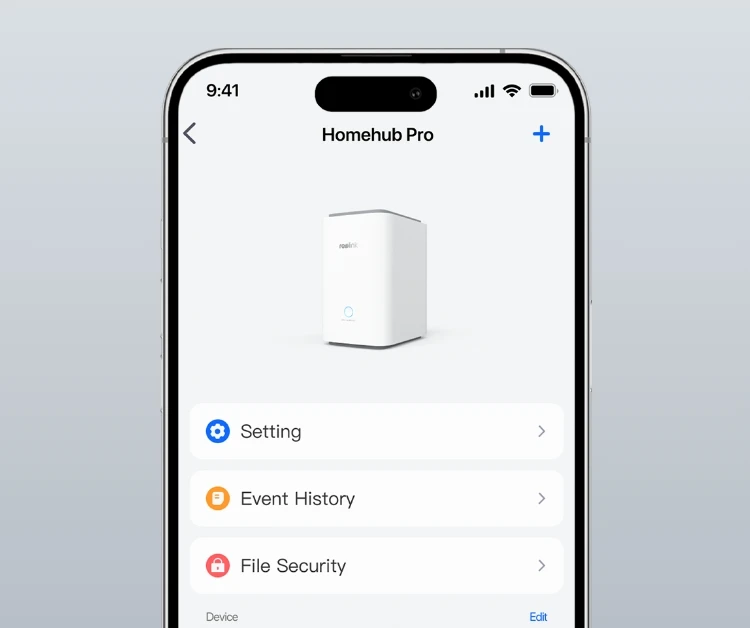
3. Add the cameras.
There are two ways to add cameras: from the list of devices on the LAN or by scanning the QR code.
Home Hub Pro
Go Hands-free
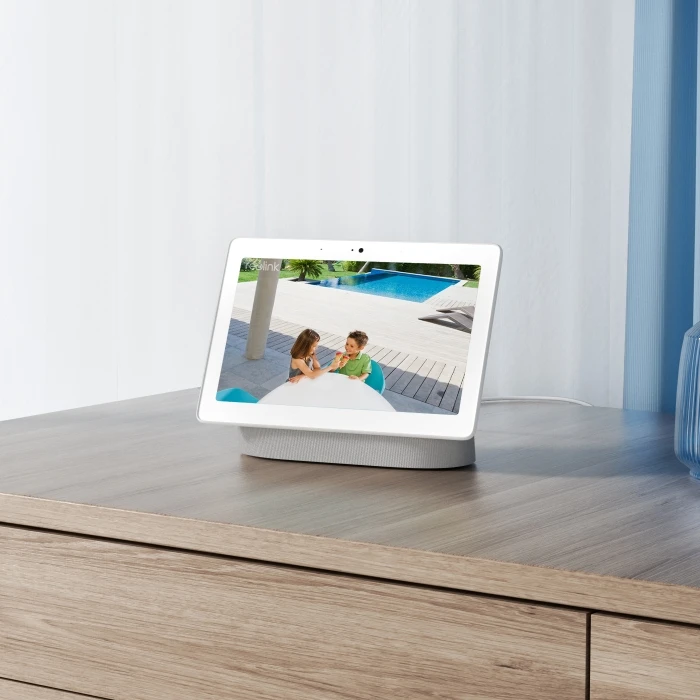
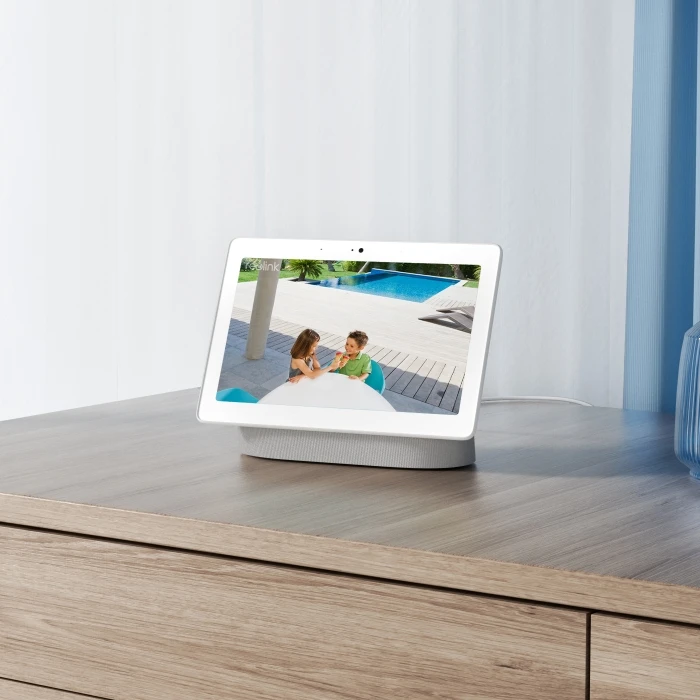
As easy as saying "Hey Google, show me the Front Door", you can check what's happening there on your Google Nest Hub or Chromecast-enabled TVs.
Find how to connect Reolink to Google Assistant
What's in the box
-
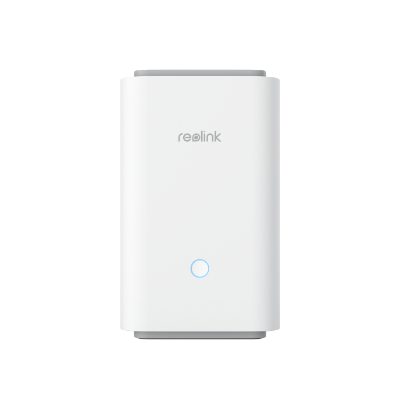 Reolink Home Hub Pro ×1
 -
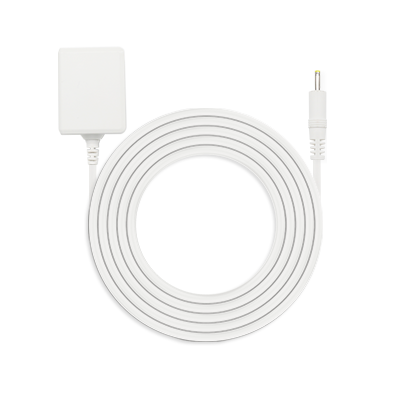 Power Adapter ×1
 -
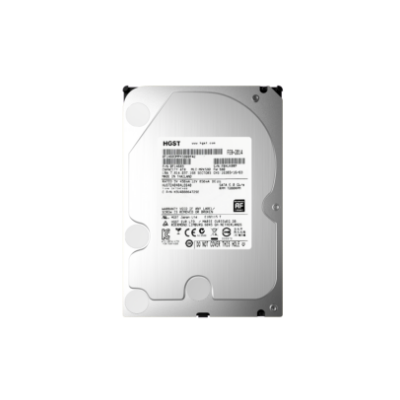 2TB HDD ×1
 -
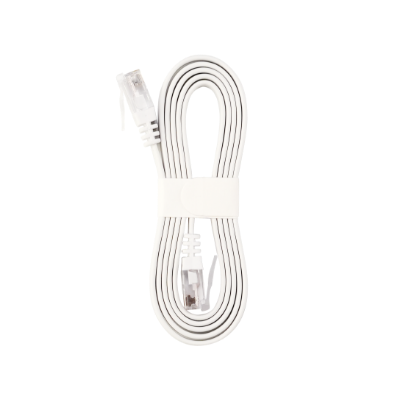 1m Network Cable ×1
 English
  Thai
Thai  Lao
Lao