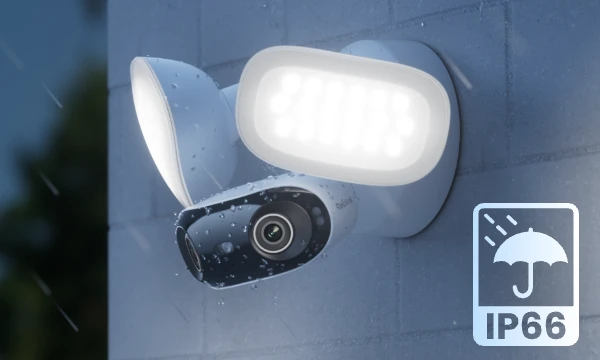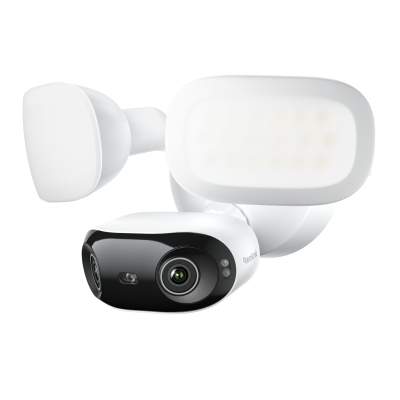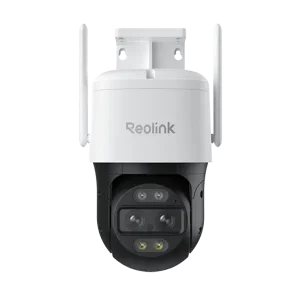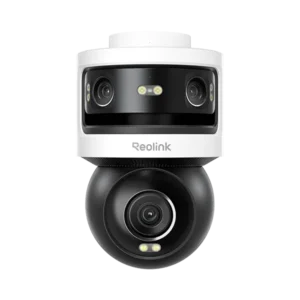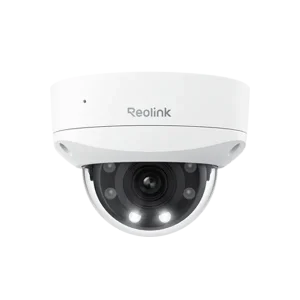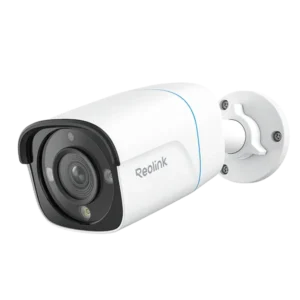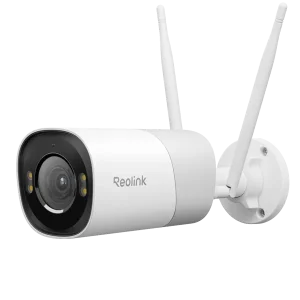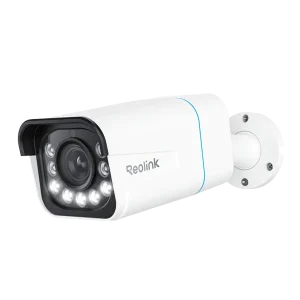
Reolink Elite Pro Floodlight PoE

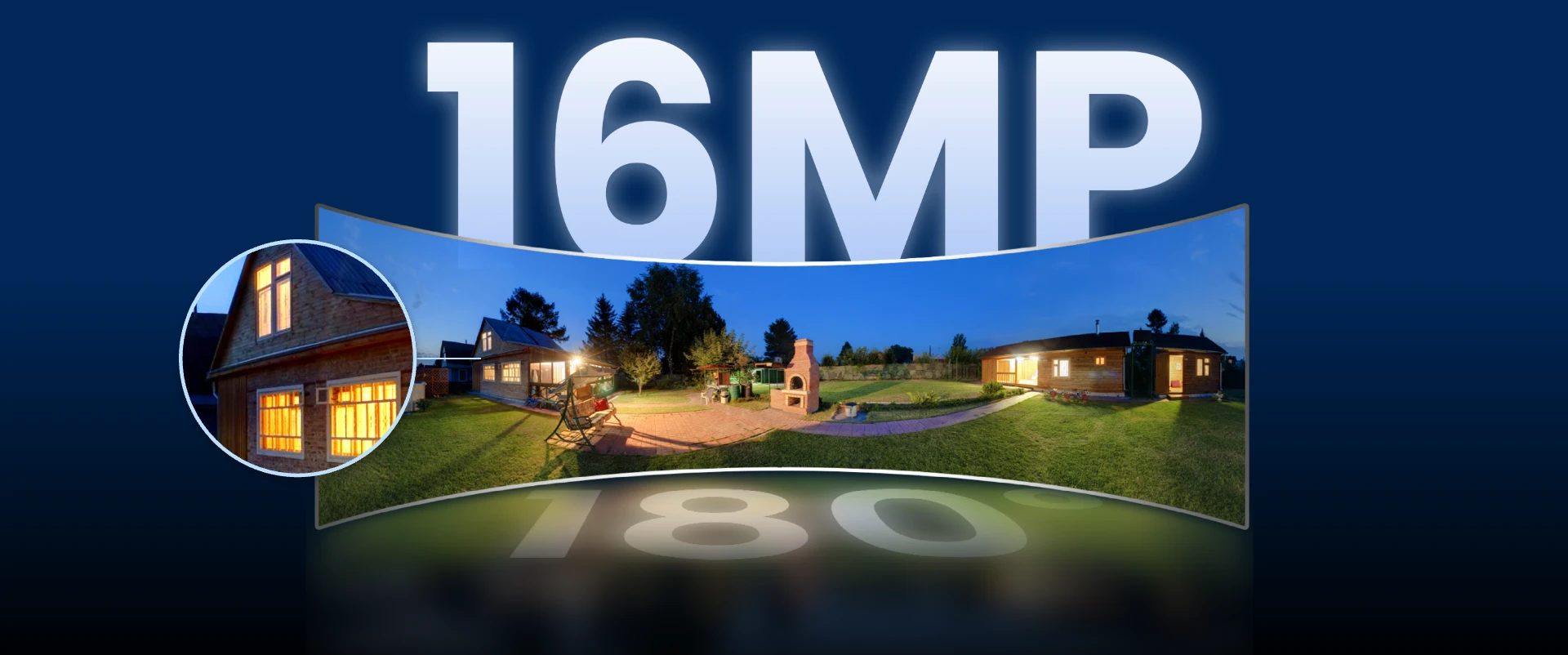
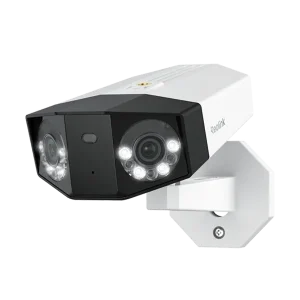
Smart 16MP PoE Dual-lens Floodlight Camera with 180° Panorama

  • 16MP Ultra HD View
  • 180-Degree Ultra-Wide Panorama
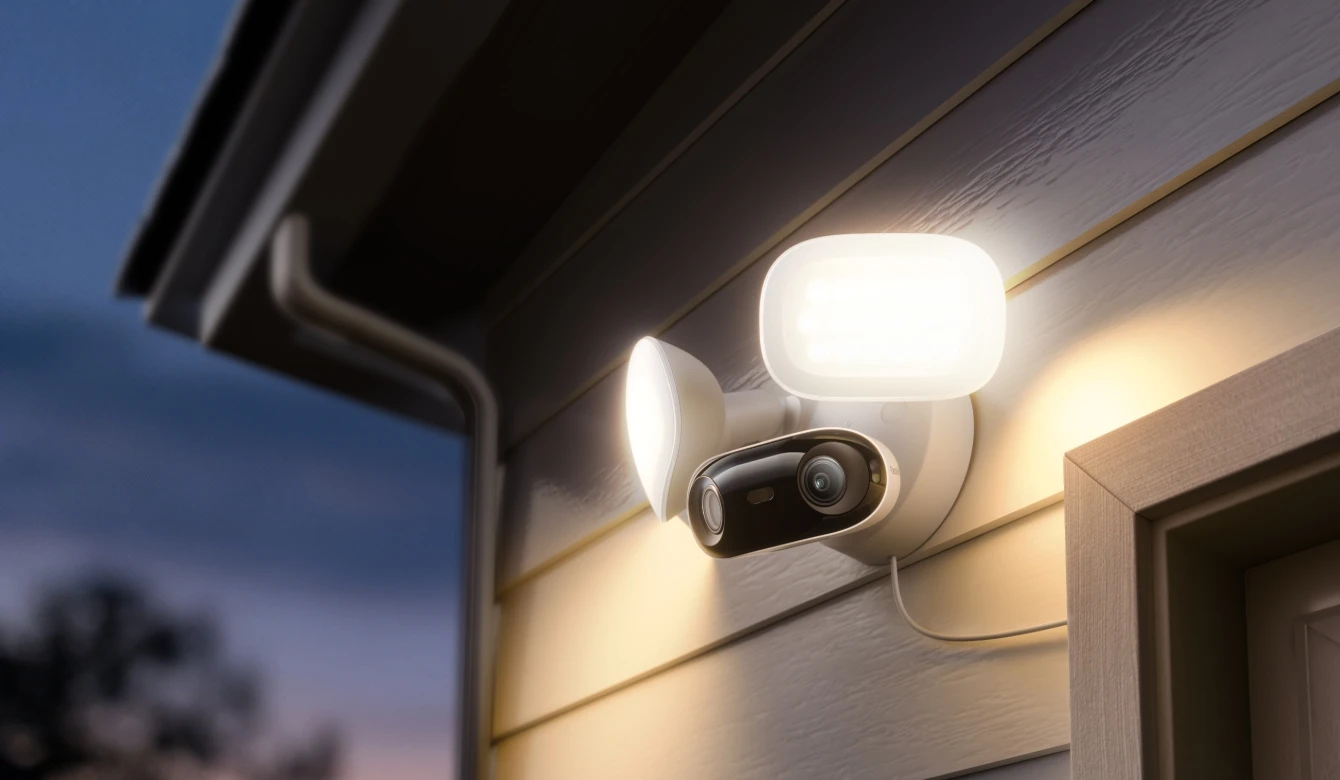
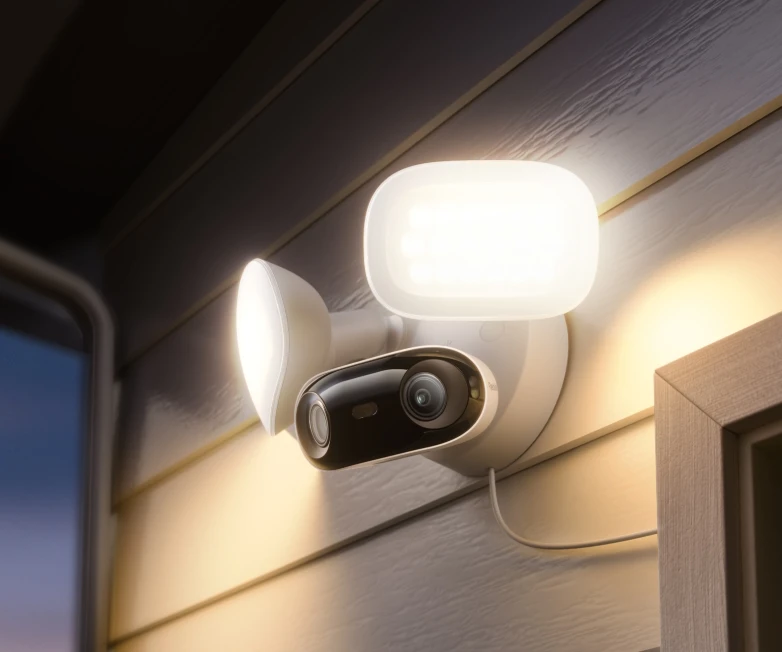
  • 2800-Lumen Adjustable Floodlights
  • Adjustable Color Temperature (3000K–6500K)

Experience the Reolink Elite Pro Floodlight PoE

Unmatched 16MP Panoramic Vision

Step into a broader, sharper world of surveillance with the Reolink Elite Pro Floodlight PoE. This advanced 16MP dual-lens camera features a 180-degree panoramic design, capturing every corner of your property with incredible detail in a single, seamless view. Whether you are monitoring a large driveway, a spacious backyard, or a commercial parking lot, you will never miss a single detail again.

Smart Lighting That Defends

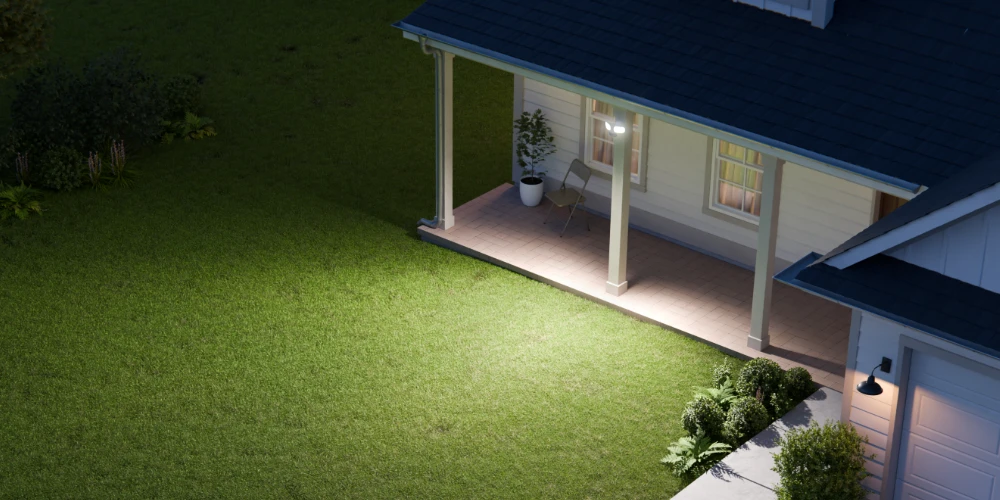
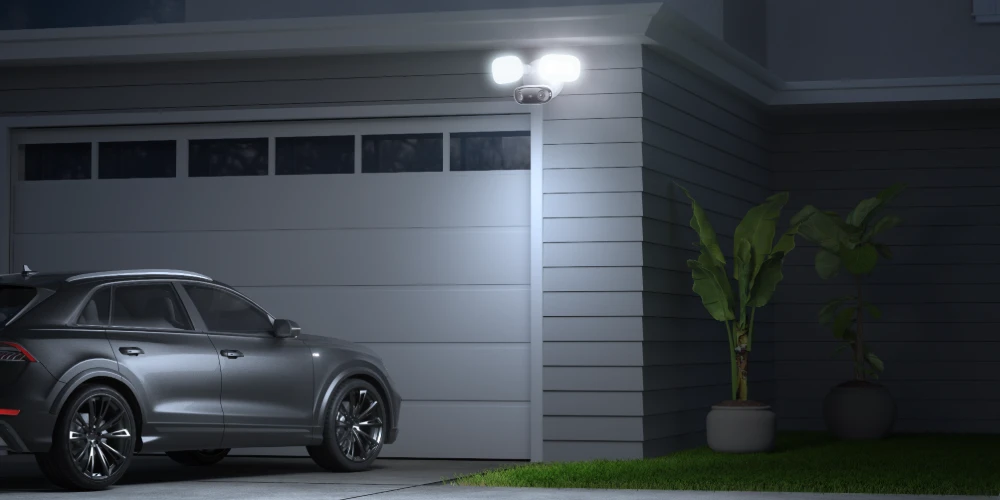
Illuminate your surroundings with powerful 2800-lumen LED floodlights that turn night into day, offering brilliant color night vision. The Reolink Elite Pro Floodlight PoE allows you to adjust the color temperature from a warm 3000K glow to a crisp 6500K light to suit your security needs. Set the lights to stay on, follow a dusk-to-dawn schedule, or activate instantly when motion is detected to deter intruders effectively.

Advanced Intelligence and Easy Setup

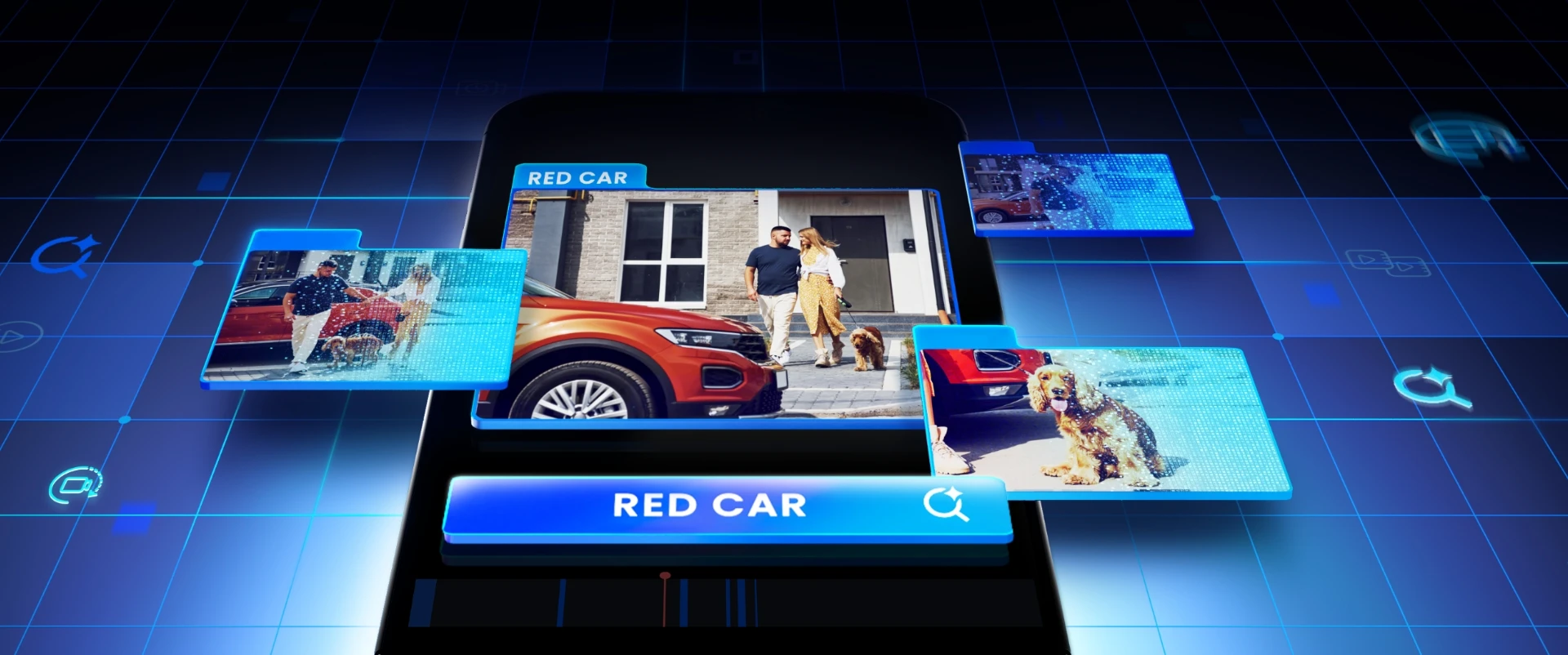
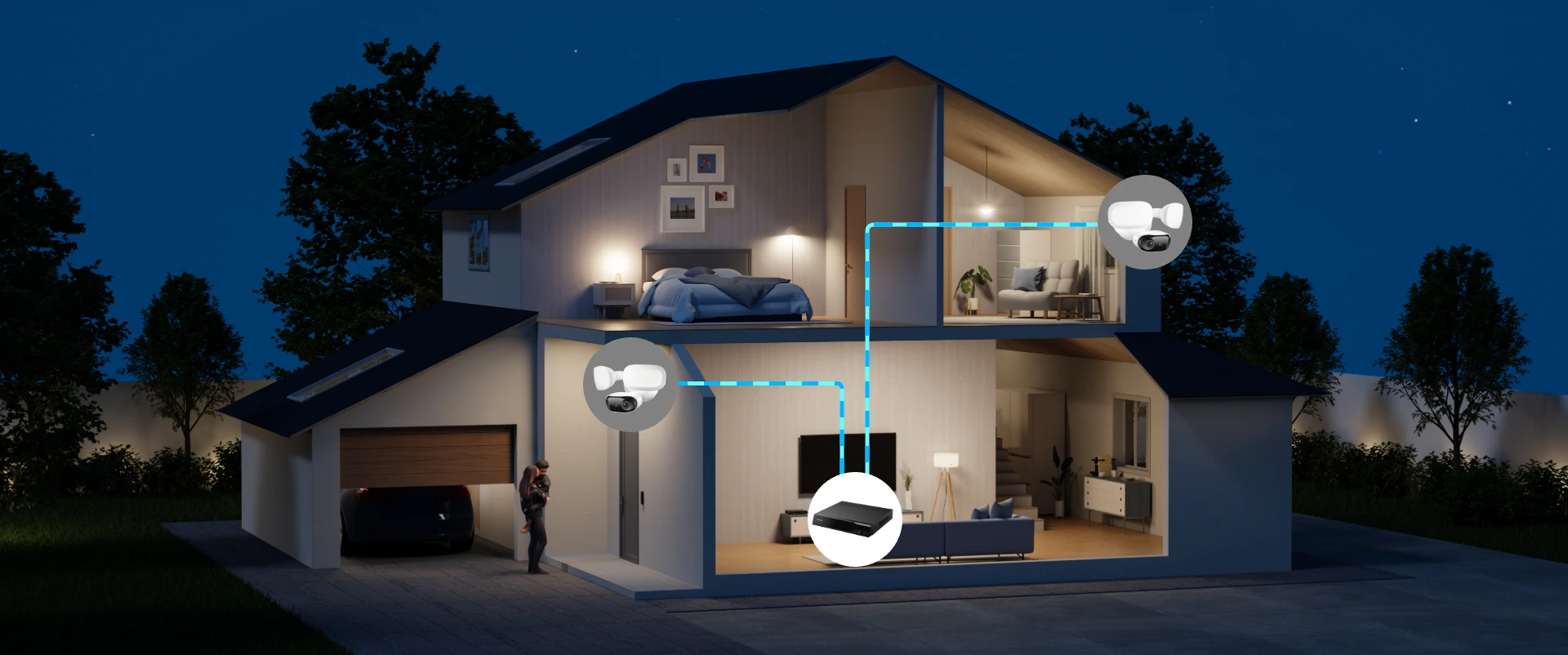
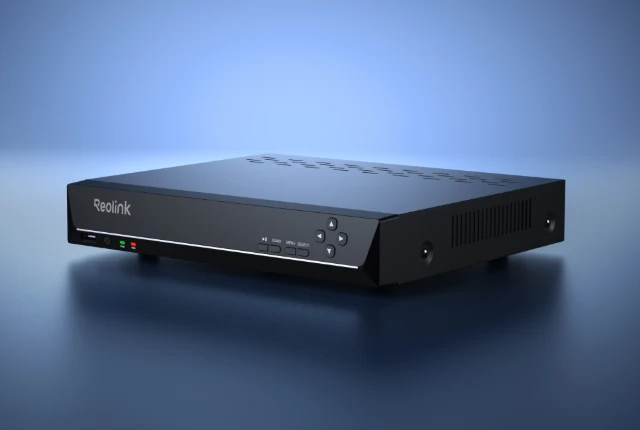
This Power over Ethernet system simplifies installation by transmitting both power and data through a single cable. The Reolink Elite Pro Floodlight PoE features smart AI detection that accurately distinguishes people, vehicles, and animals, drastically reducing false alarms. With robust local storage options via microSD card or an NVR, and the innovative Local AI Video Search, you can find crucial moments in seconds without paying any monthly subscription fees.

Light That Defends.

Brightness That Adapts.

Powerful LED floodlights ensure no shadow goes unnoticed. With adjustable brightness up to 2800 lumens, the Elite Pro Floodlight PoE lights up to 12 meters ahead—delivering unmatched visibility and strong deterrence. Choose your preferred color temperature: 3000K warm light for ambiance or 6500K cool light for high-clarity security. With smart adaptive modes, the lighting adjusts to your surroundings — deterring threats, enhancing visibility, and elevating security on your terms. Light brightness and color temperature can only be adjusted in the Reolink app. Ensure you're using the latest version.

Smarter Detection. Safer Home.

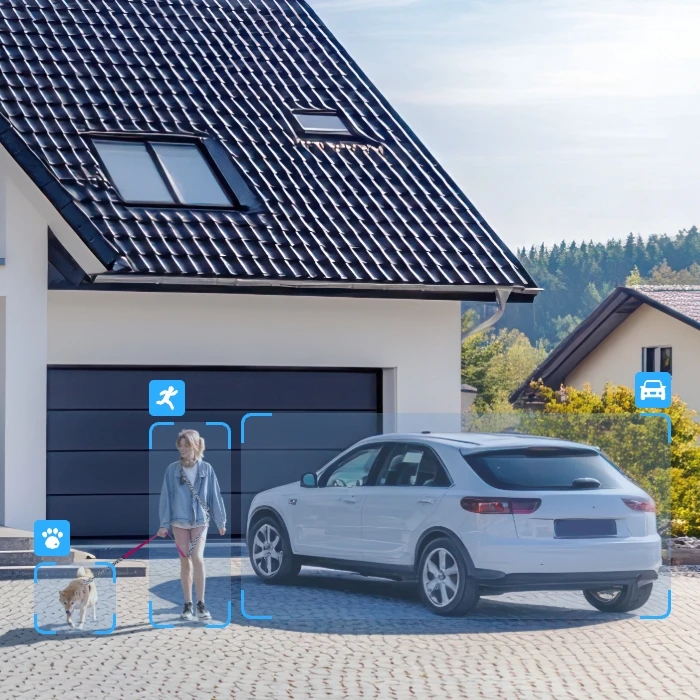
By distinguishing people, vehicles, and animals according to the shape, this camera sends you precise warnings, significantly reducing false positives. No subscription fees are required.
Keep an eye on unattended or removed objects with Object Left Behind and Object Removal detection. Note! Supported on the Reolink App only. Requires the latest app version.
Upgrade your home defense with Line Crossing, Zone Intrusion, and Zone Loitering alerts. Know the moment someone crosses a boundary, enters a restricted zone, or lingers too long. Note! Supported on Reolink App only. RLN8-410 and RLN16-410 NVRs must be updated to the latest firmware. Not available on PC Client.
Talk and listen in real time through the camera. Whether you're greeting visitors or warning intruders, you're always in control—no matter where you are.
Once motion is detected, both the powerful floodlights and 105dB siren activate instantly. You can even customize a 5-second voice alert to make your warnings more personal and effective.

15s Video Summarized in One Picture

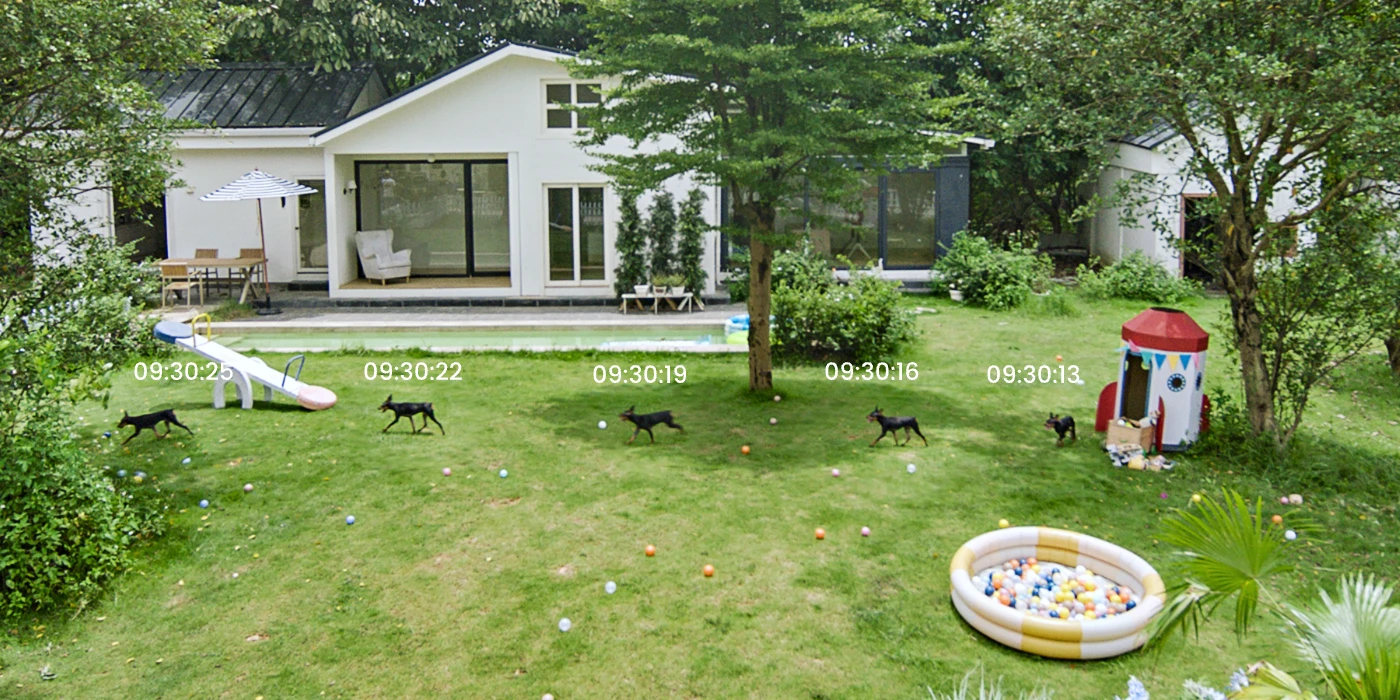
Motion Track compresses up to 15 seconds of movement into a single image, letting you grasp the whole event at a glance—no need to watch the full video. Get real-time email or Reolink App alerts when people, vehicles, or animals are detected. Only the Reolink Video Doorbell WiFi (White) supports package detection.

Reolink Storage Widget (Multi)

Unlock Full Control with the Reolink App
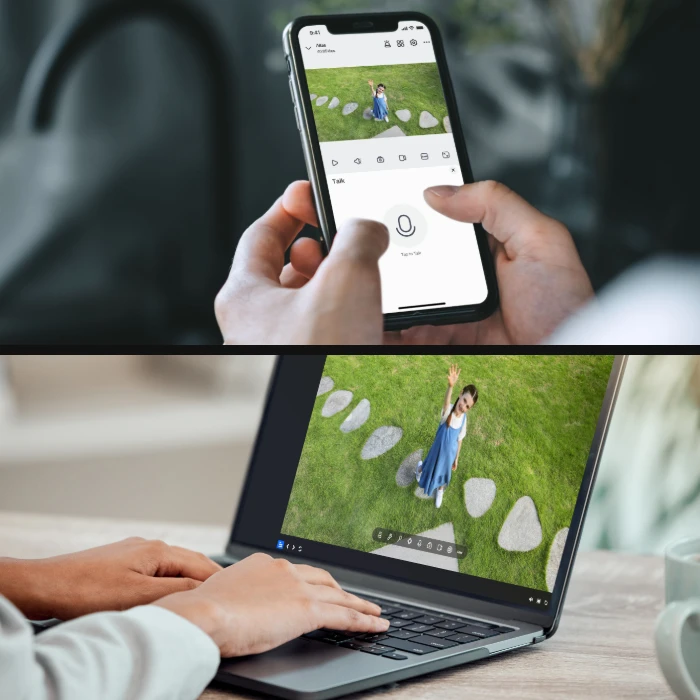
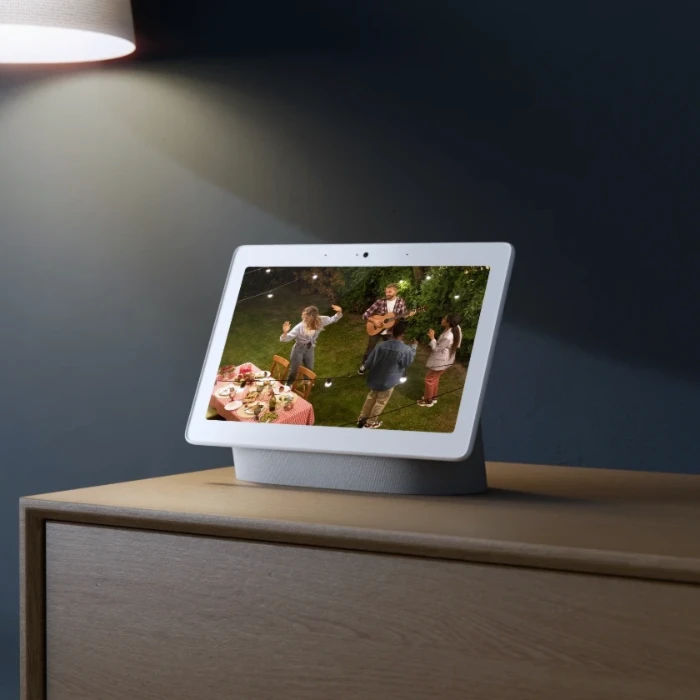
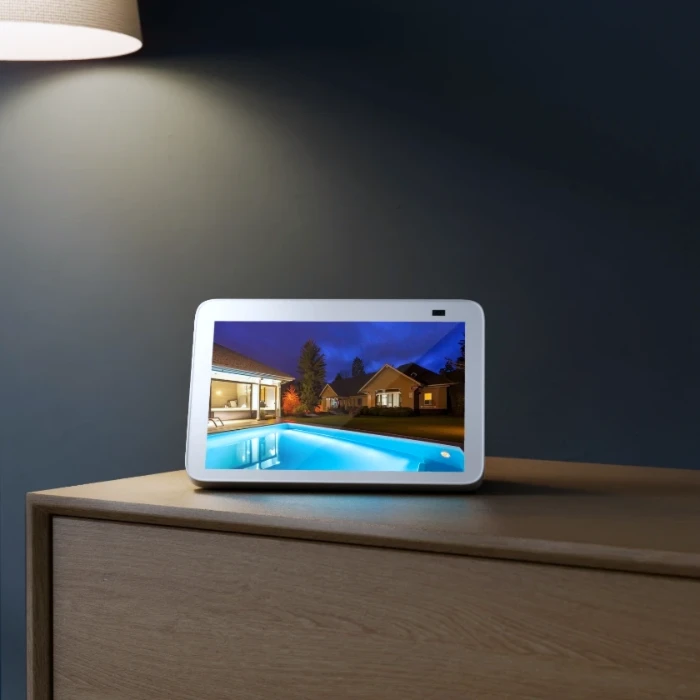
Access live feeds and playbacks across multiple platforms, inlcuding app, PC, NVR, and web interface.
Create one admin and up to 19 sub-accounts so everyone stays in the loop.
Quickly find what matters. Filter recordings by time or event type to locate key moments without scrubbing through hours of footage.

Specifications

Comparison

Accessories

Video

FAQs

Functions

Because of its ultra wide field of view, it’s meant for large open areas. If you try to use it in a tight cramped area like that you’re going to end up with too many walls and/or ceilings in view which will blind the camera at night with IR reflection.

What are the advantages of the dual-lens camera?

This dual-lens camera is equipped with two lenses that capture views in 4K 16MP UHD from a 180° ultra-wide angle. You don’t need two or more single-lens cameras to monitor a large area. Instead, with only one dual-lens camera you can save installation time and enjoy much broader images with lower distortion. Images from the dual lens are seamlessly merged into one frame both in live view and playback.

What is Motion Track, and how does it function?

Motion Track captures the detected target’s movement over a period of time and creates an image depicting its trajectory. You can receive the image via email in real-time, eliminating the hassle of video downloads. Additionally, future firmware updates are expected to enable image creation based on selected movement duration in the Reolink App.

Does my camera support person/vehicle/animal detection?

Yes, this camera supports person/vehicle/animal detection.

What is Smart Event Detection, and how does it function?

Smart Event Detection, powered by Reolink’s advanced AI ReoNeura, includes features like Object Removal and Forgotten Object. It helps you monitor important items and alerts you if something’s been taken away or left behind.

How can I power up this camera?

You can power up the camera via PoE (Power over Ethernet): Use a Reolink PoE NVR, injector, or switch. If you’re using your own PoE switch, make sure it supports IEEE 802.3at and delivers at least 25W per port. Insufficient power can cause performance issues.

Can I turn off the floodlights and siren?

Yes, both the floodlights and siren can be manually turned off in the Reolink App. By default, they activate when motion is detected. You can also adjust the floodlight brightness and customize the siren sound. Note: If you turn off the floodlights, night vision will switch to black and white. With floodlights on, you’ll get full-color night vision.

What is the difference between spotlights and floodlights?

Spotlights can provide condensed and bright lighting for the smaller areas, while floodlights bring more powerful lighting for the larger areas with widely and evenly distributed lights.

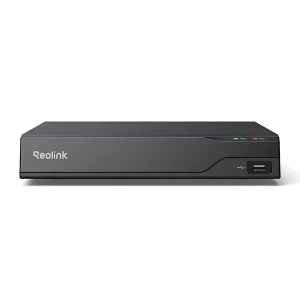
If you want to buy a new one: the currently on-sale NVRs work with all PoE and plug-in WiFi cameras.
If you already have one:
Please first refer to this article for its hardware version.
For the NVR with the hardware N7MB01, N6MB01, or N5MB01, it works with all PoE and plug-in WiFi cameras.
For the NVR with the hardware N2MB02, N3MB01, or H3MB18, it works with all PoE and plug-in WiFi cameras. But you can not have a full-resolution live view of the following cameras: Reolink Elite XPro PoE, Reolink Duo 3 PoE, RLC-1212A, RLC-1224A, Reolink Duo 2 PoE, Reolink Duo 2 WiFi, Reolink Duo 3 WiFi, Reolink Duo Floodlight WiFi, Reolink Duo Floodlight PoE.
For the NVR with the rest hardwares such as H3MB17, H3MB02, and H3MB16, please refer to Introduction to Hardware Versions of Reolink NVRs for more detailed information. For all the compatible NVRs, we recommend you update their firmware version here before using them with the camera.

Can I adjust the floodlights on the Elite Pro Floodlight PoE camera?

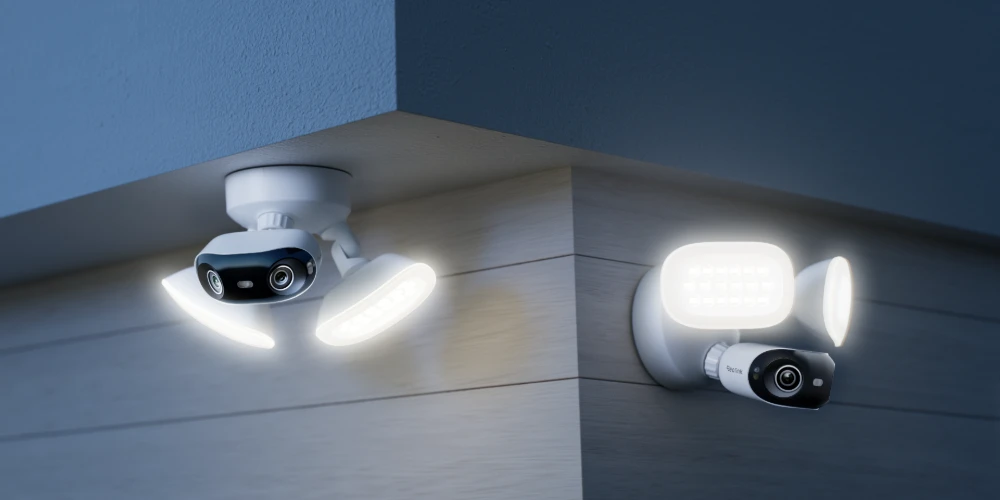
Yes. The floodlights and camera are mounted on adjustable joints, allowing you to reposition them for the best angle and coverage.

Can I adjust the lighting modes of the Elite Pro Floodlight PoE camera?

You can set the lighting behavior in the Reolink App—choose from always-on, motion-activated, or dusk-to-dawn modes to match your needs.

Do I need to charge the floodlights?

No. Power supply is required for the camera only.

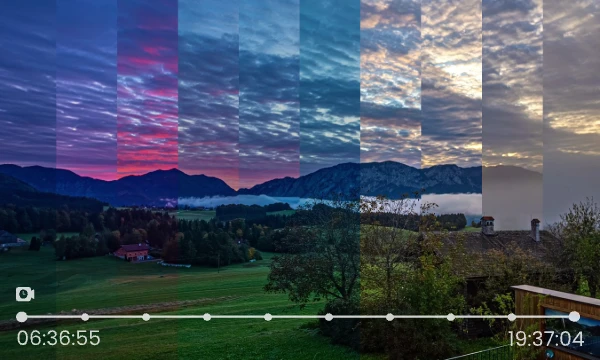
Can this camera support time-lapse function?

Yes, the camera can support time-lapse. It can save time-lapse photos and videos to the SD card.
How to Set Up Time Lapse?

Can this camera support smart home like Google Assistant?

Yes, currently, this camera can work with Google Assistant.
Tips: How to add this camera to Google Assistant?

What kind of microSD card can I use?

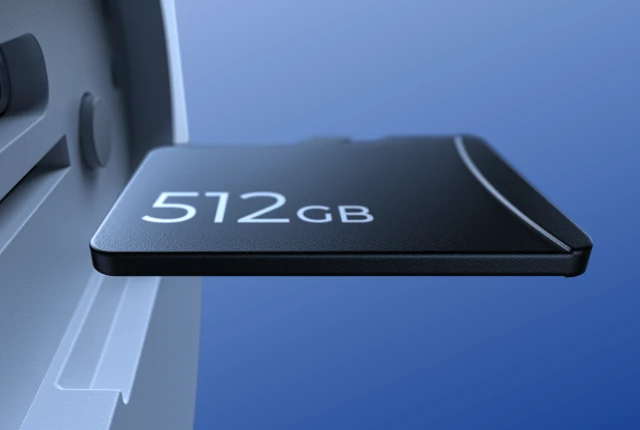
This camera supports up to 512GB microSD cards with FAT32 format and Class 10 read & write speed.

What Ethernet cable do I need?

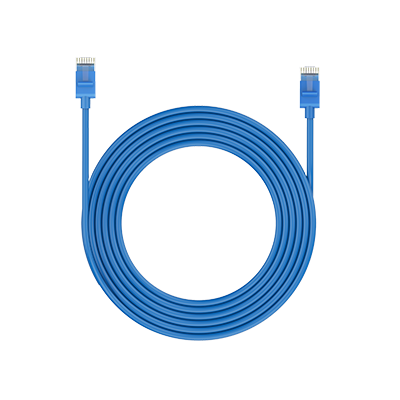
The camera supports T-568B connectors and 8-PIN Ethernet cables of CAT5 or higher.

Customer Reviews