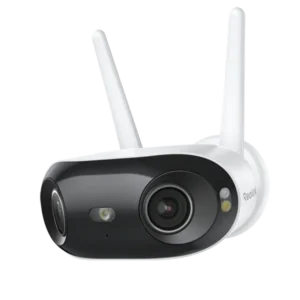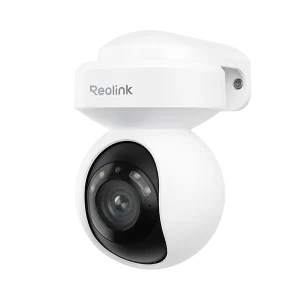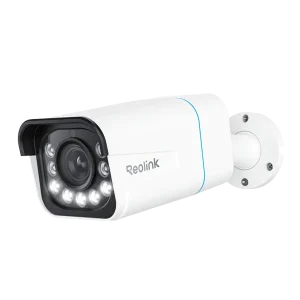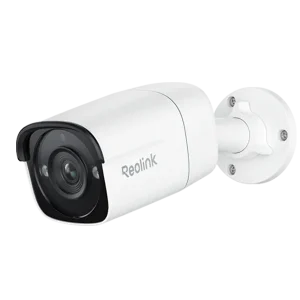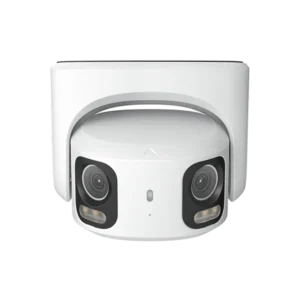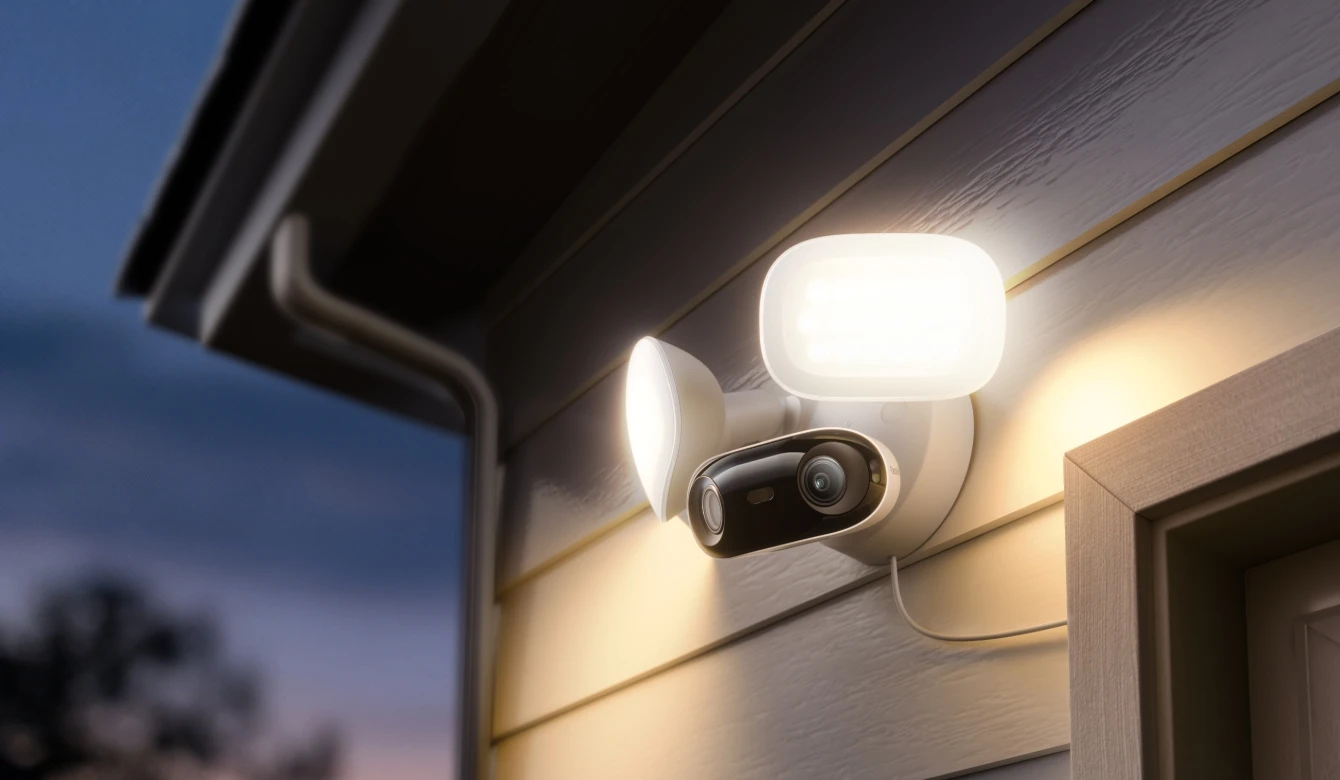
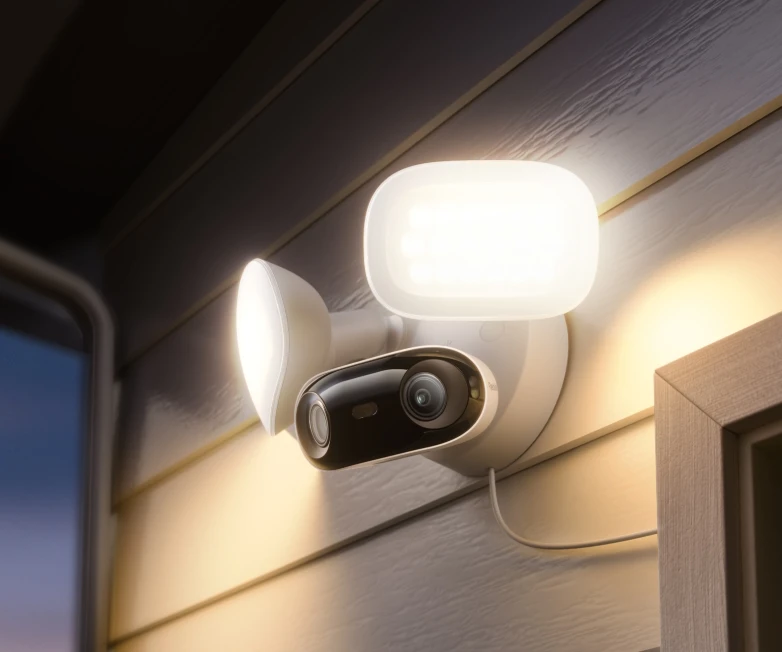
Reolink Elite Pro Floodlight PoE
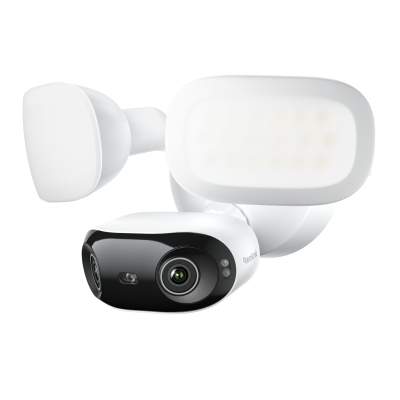
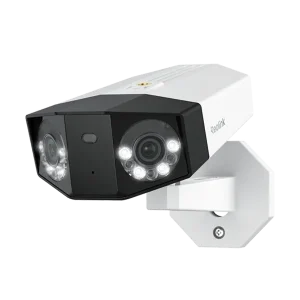
Step into a broader, sharper world of surveillance with the Reolink Elite Pro Floodlight PoE. This advanced 16MP dual-lens camera features a 180-degree panoramic design, capturing every corner of your property with incredible detail in a single, seamless view. Whether you are monitoring a large driveway, a spacious backyard, or a commercial parking lot, you will never miss a single detail again.
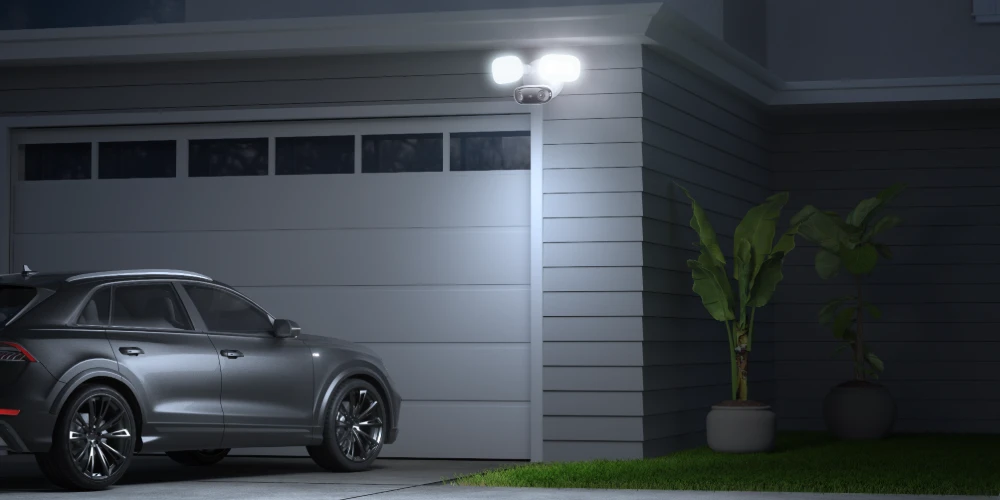
Illuminate your surroundings with powerful 2800-lumen LED floodlights that turn night into day, offering brilliant color night vision. The Reolink Elite Pro Floodlight PoE allows you to adjust the color temperature from a warm 3000K glow to a crisp 6500K light to suit your security needs. Set the lights to stay on, follow a dusk-to-dawn schedule, or activate instantly when motion is detected to deter intruders effectively.
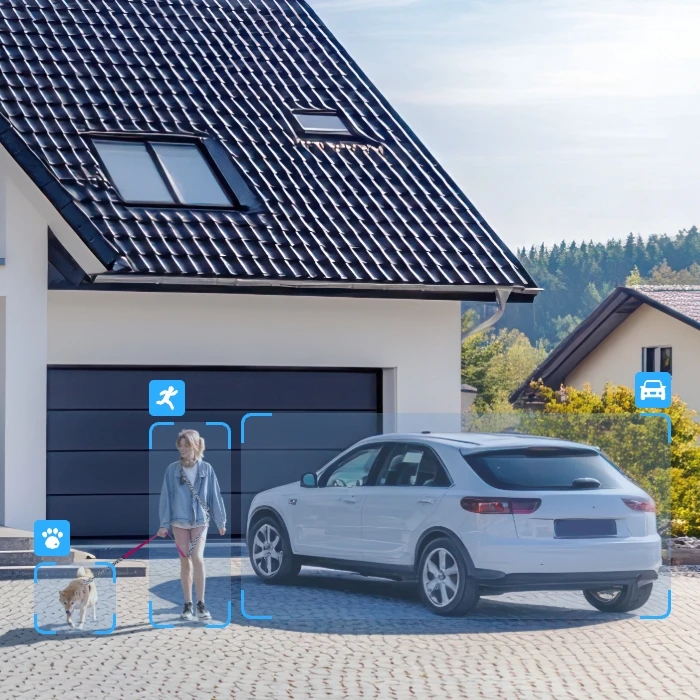
This Power over Ethernet system simplifies installation by transmitting both power and data through a single cable. The Reolink Elite Pro Floodlight PoE features smart AI detection that accurately distinguishes people, vehicles, and animals, drastically reducing false alarms. With robust local storage options via microSD card or an NVR, and the innovative Local AI Video Search, you can find crucial moments in seconds without paying any monthly subscription fees.
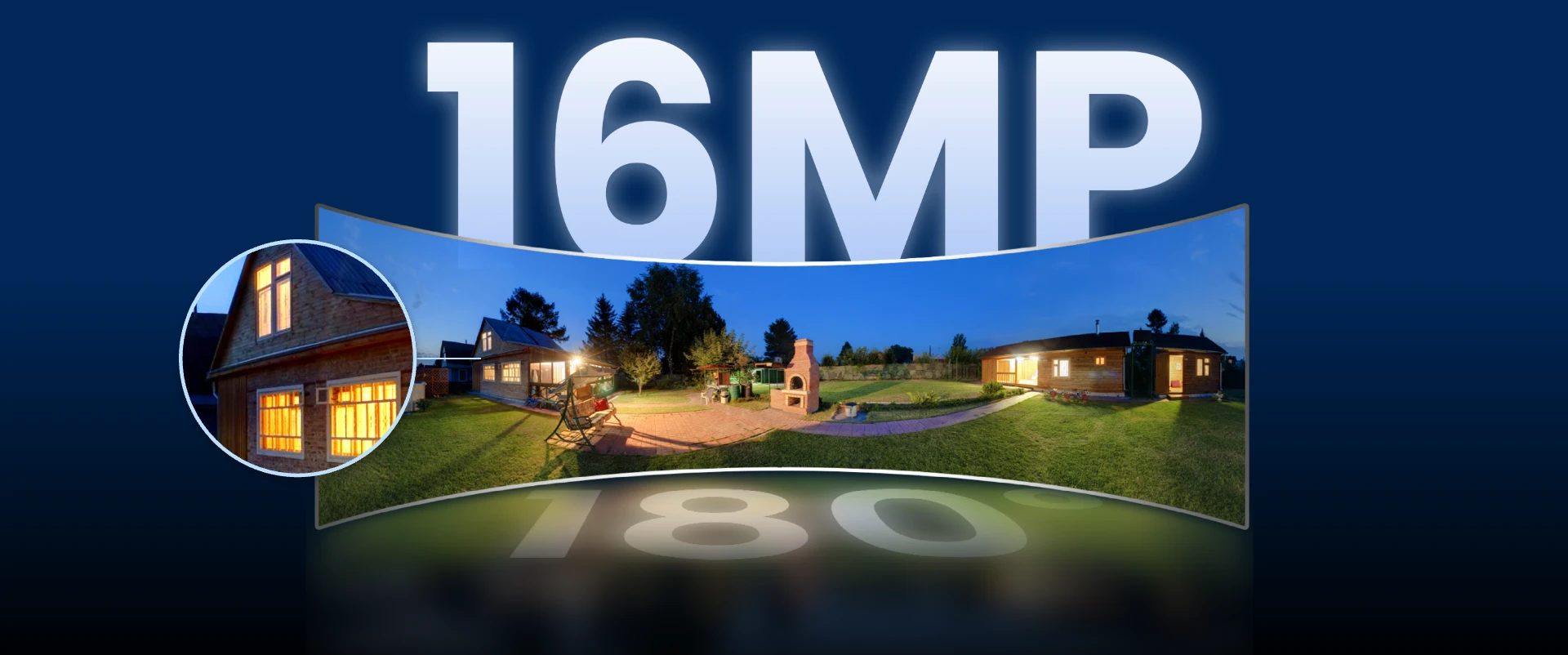
Now you can step into a broader, sharper world of surveillance. Elite Pro Floodlight PoE features the 180°panoramic dual-lens design and 16MP—our highest resolution yet, capturing every corner of your front yard—or any wide space—with unmatched detail, all in a single, seamless view. Note! When pairing with an NVR, please ensure its hardware and firmware support 16MP streaming.
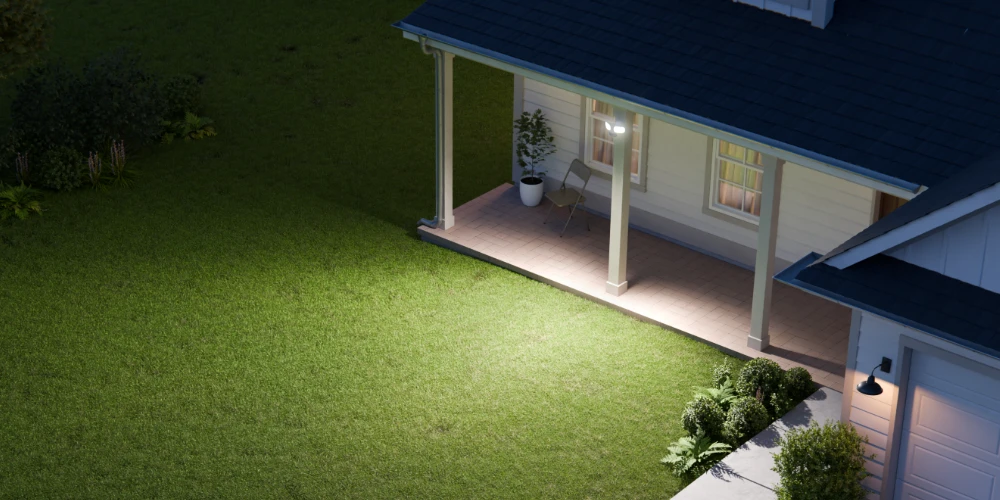
Powerful LED floodlights ensure no shadow goes unnoticed. With adjustable brightness up to 2800 lumens, the Elite Pro Floodlight PoE lights up to 12 meters ahead—delivering unmatched visibility and strong deterrence. Choose your preferred color temperature: 3000K warm light for ambiance or 6500K cool light for high-clarity security. With smart adaptive modes, the lighting adjusts to your surroundings — deterring threats, enhancing visibility, and elevating security on your terms. Light brightness and color temperature can only be adjusted in the Reolink app. Ensure you're using the latest version.
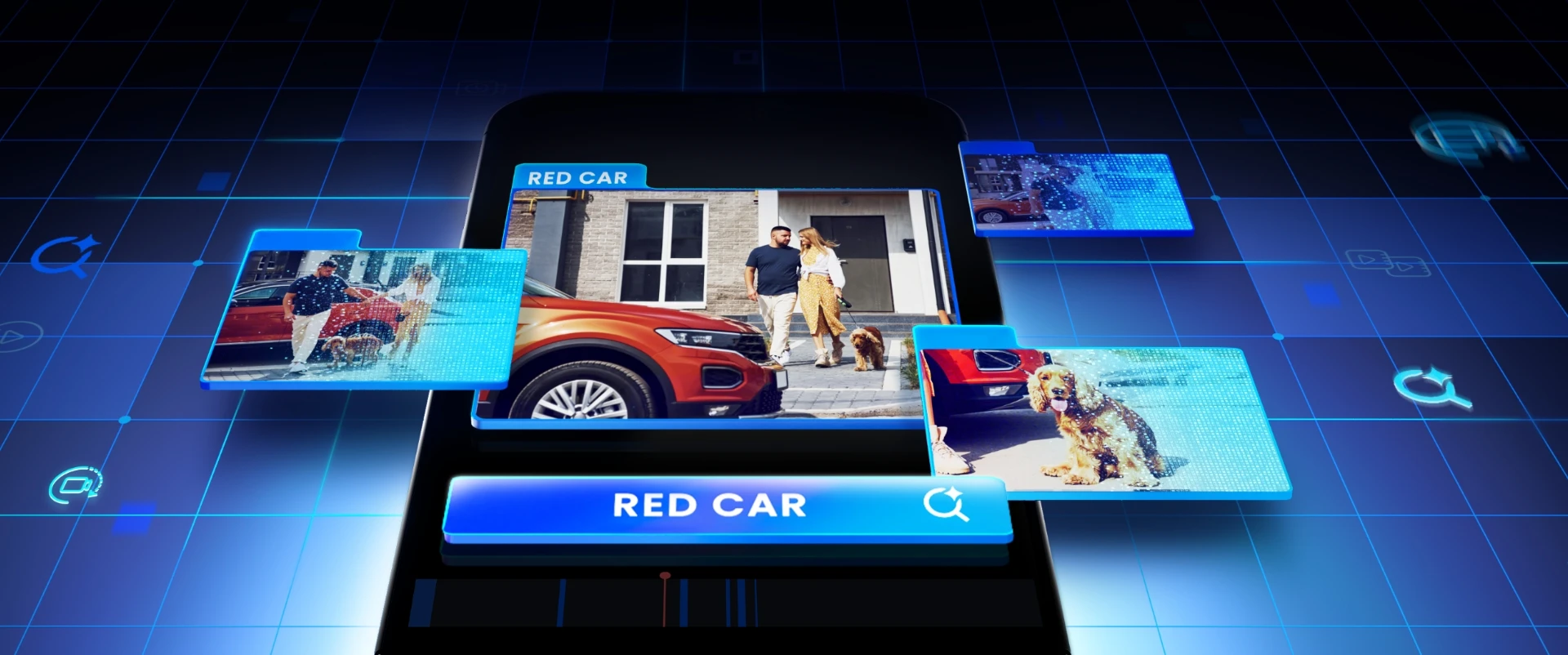
Powered by ReoNeura, this smart feature takes the pain out of finding footage. No more scrubbing, guessing, or reliving hours of video. Just type in key details — a person, a vehicle, even clothing color — and get the moment you're looking for in seconds. Search anytime, anywhere, right from the Reolink App. ReoNeura is Reolink's intelligent AI system that powers a smarter way to see, understand, and respond to the world through your cameras. Local AI Video Search (Beta) is just the beginning — now available on select Reolink products.
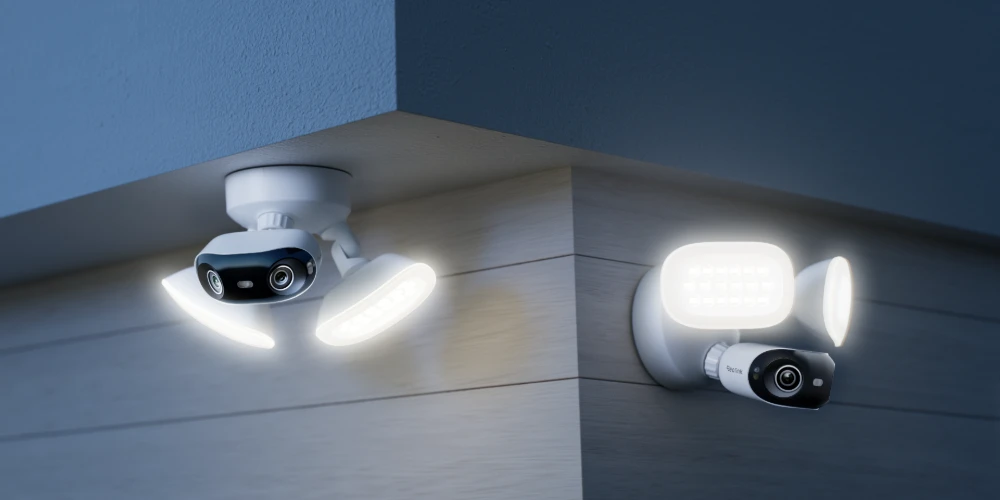
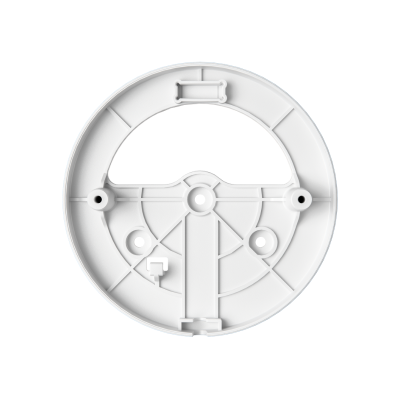
Install it your way—on a wall or under an eave. The floodlights come with three adjustable joints, giving you up to 315° of flexible movement. Aim the lights exactly where you need them, and leave no corner in the dark.
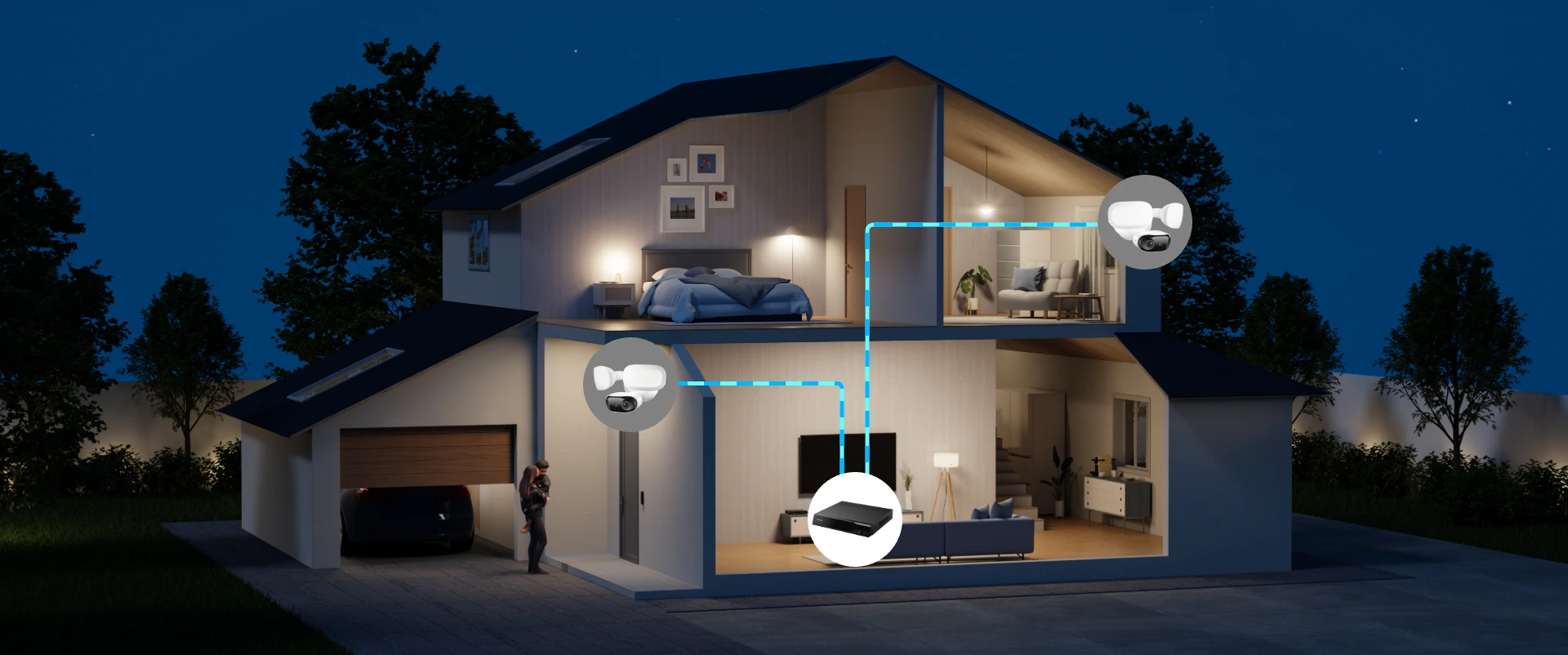
Power and data through a single cable—no messy wiring, no extra effort. For the best performance, we recommend using Reolink's NVR, PoE injector, or switch. If using a third-party switch, ensure it supports IEEE 802.3at and delivers at least 25W per port. Note! This model does not include a DC power port and cannot be powered via a DC adapter.
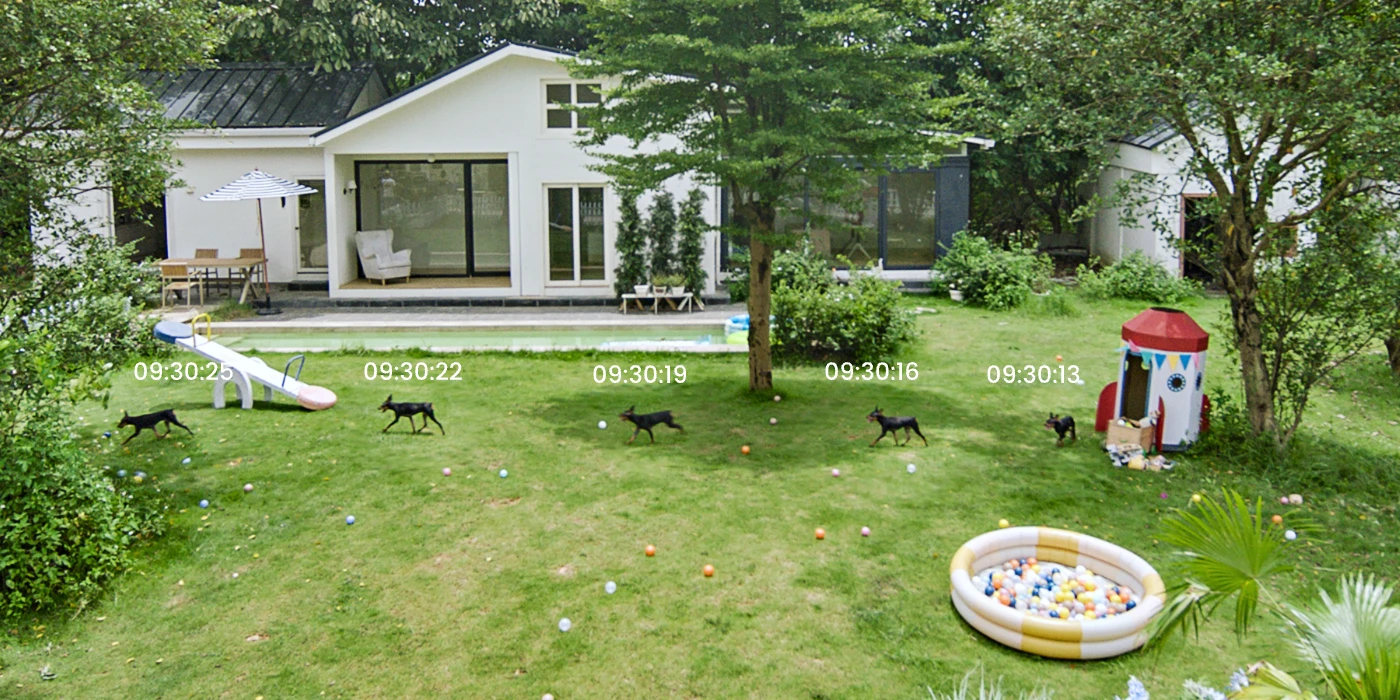
Motion Track compresses up to 15 seconds of movement into a single image, letting you grasp the whole event at a glance—no need to watch the full video. Get real-time email or Reolink App alerts when people, vehicles, or animals are detected. Only the Reolink Video Doorbell WiFi (White) supports package detection.
Reolink 16MP series camera with Motion Track feature records a target's movements over 15 seconds into a single image, allowing for a fast, convenient preview of the event. It significantly increases the amount of information contained in a single picture.
Whether you prefer the convenience of local storage with an microSD card, or the centralized management of an NVR system, this camera offers the versatility you need. With flexible recording options, rest assured knowing your footage is safely stored, accessible, and protected.
Store your recordings locally and securely on a microSD card of up to 512 GB, freeing you from being stuck with limited storage. Figure based on the default bit rate of the cam (6144 kbps). Actual recording time depends on the settings. Results may vary. Learn More
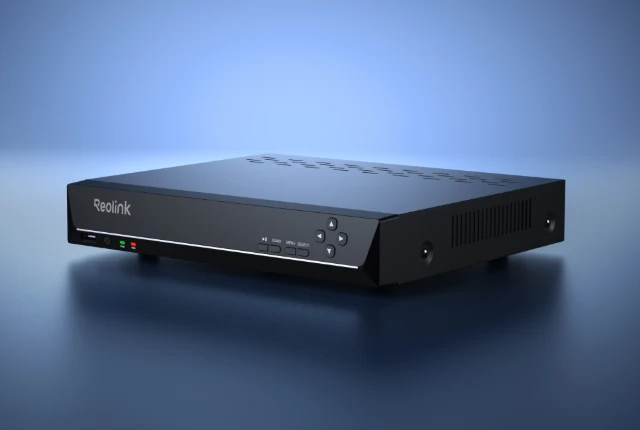
Get ample storage and manage multiple cameras effortlessly by connecting the camera to a compatible Reolink NVR or a personalized security system. * Reolink NVRs are recommended for best performance.
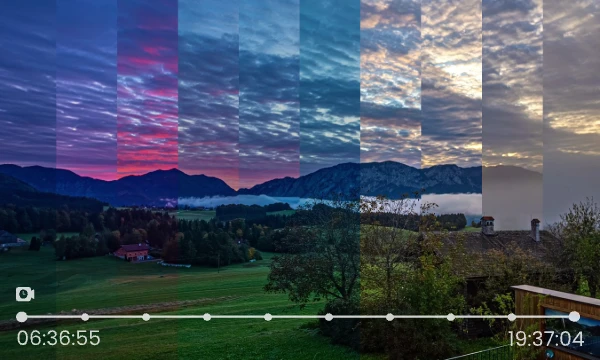
Capture the essence of the day with timelapse recording. From sunrise to sunset, this camera condenses the passage of time into brief videos, perfect for reviewing long-term events.
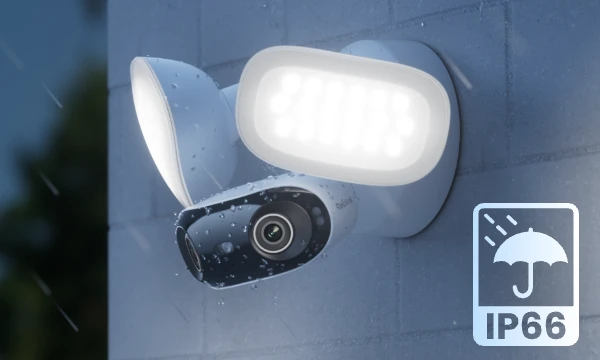
Featuring an IP66 weatherproof design, this camera delivers reliable protection against water, dust, heat, and extreme cold, ensuring continuous performance in all conditions.
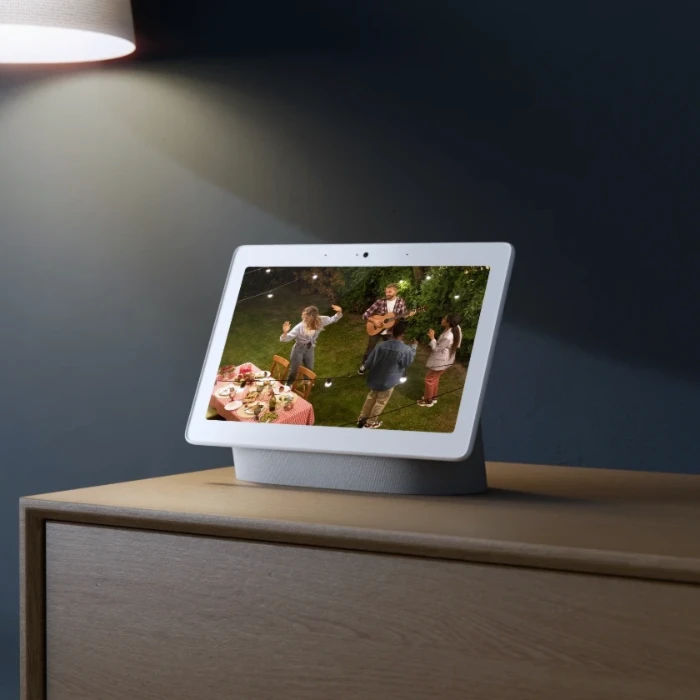
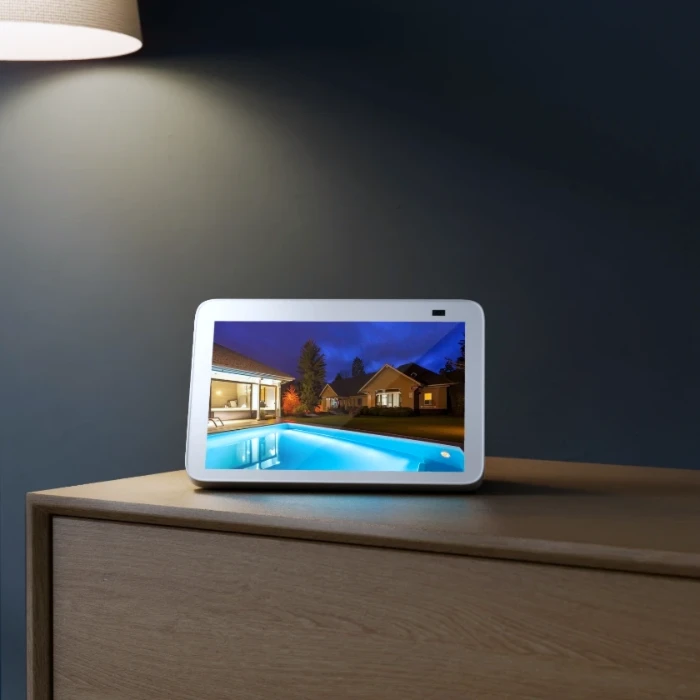
As easy as saying "Hey Google, show me the Front Door", you can check what's happening there on your Google Nest Hub or Chromecast-enabled TVs.
Note: Only its wide-angle view supports Google Assistant, which is incompatible when the camera is connected to NVRs.
Find how to connect Reolink to Google Assistant››
Because of its ultra wide field of view, it’s meant for large open areas. If you try to use it in a tight cramped area like that you’re going to end up with too many walls and/or ceilings in view which will blind the camera at night with IR reflection.
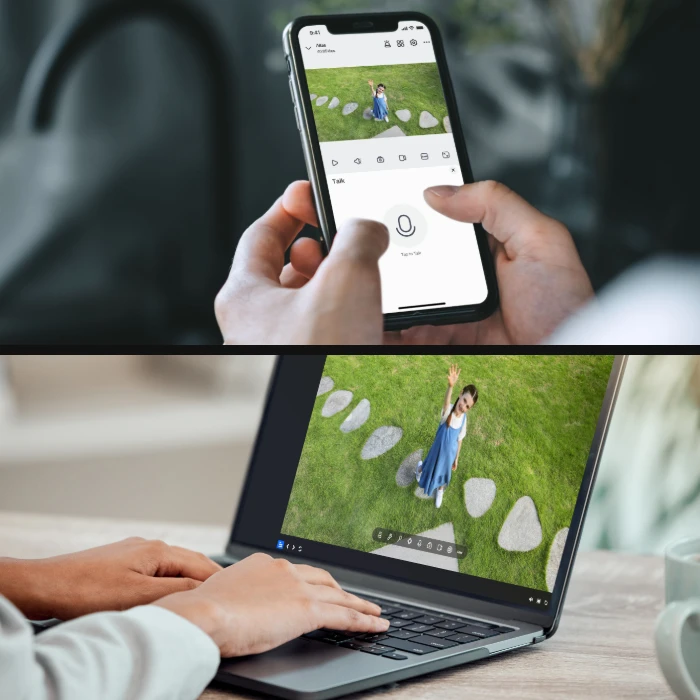
This dual-lens camera is equipped with two lenses that capture views in 4K 16MP UHD from a 180° ultra-wide angle. You don’t need two or more single-lens cameras to monitor a large area. Instead, with only one dual-lens camera you can save installation time and enjoy much broader images with lower distortion. Images from the dual lens are seamlessly merged into one frame both in live view and playback.
Motion Track captures the detected target’s movement over a period of time and creates an image depicting its trajectory. You can receive the image via email in real-time, eliminating the hassle of video downloads. Additionally, future firmware updates are expected to enable image creation based on selected movement duration in the Reolink App.
Yes, this camera supports person/vehicle/animal detection.
Smart Event Detection, powered by Reolink’s advanced AI ReoNeura, includes features like Object Removal and Forgotten Object. It helps you monitor important items and alerts you if something’s been taken away or left behind.
You can power up the camera via PoE (Power over Ethernet): Use a Reolink PoE NVR, injector, or switch. If you’re using your own PoE switch, make sure it supports IEEE 802.3at and delivers at least 25W per port. Insufficient power can cause performance issues.
Yes, both the floodlights and siren can be manually turned off in the Reolink App. By default, they activate when motion is detected. You can also adjust the floodlight brightness and customize the siren sound. Note: If you turn off the floodlights, night vision will switch to black and white. With floodlights on, you’ll get full-color night vision.
Spotlights can provide condensed and bright lighting for the smaller areas, while floodlights bring more powerful lighting for the larger areas with widely and evenly distributed lights.
If you want to buy a new one: the currently on-sale NVRs work with all PoE and plug-in WiFi cameras.
If you already have one:
Please first refer to this article for its hardware version.
For the NVR with the hardware N7MB01, N6MB01, or N5MB01, it works with all PoE and plug-in WiFi cameras.
For the NVR with the hardware N2MB02, N3MB01, or H3MB18, it works with all PoE and plug-in WiFi cameras. But you can not have a full-resolution live view of the following cameras: Reolink Elite XPro PoE, Reolink Duo 3 PoE, RLC-1212A, RLC-1224A, Reolink Duo 2 PoE, Reolink Duo 2 WiFi, Reolink Duo 3 WiFi, Reolink Duo Floodlight WiFi, Reolink Duo Floodlight PoE.
For the NVR with the rest hardwares such as H3MB17, H3MB02, and H3MB16, please refer to Introduction to Hardware Versions of Reolink NVRs for more detailed information. For all the compatible NVRs, we recommend you update their firmware version here before using them with the camera.
Yes. The floodlights and camera are mounted on adjustable joints, allowing you to reposition them for the best angle and coverage.
You can set the lighting behavior in the Reolink App—choose from always-on, motion-activated, or dusk-to-dawn modes to match your needs.
No. Power supply is required for the camera only.
Yes, the camera can support time-lapse. It can save time-lapse photos and videos to the SD card.
How to Set Up Time Lapse?
Yes, currently, this camera can work with Google Assistant.
Tips: How to add this camera to Google Assistant?
This camera supports up to 512GB microSD cards with FAT32 format and Class 10 read & write speed.
The camera supports T-568B connectors and 8-PIN Ethernet cables of CAT5 or higher.
246/383, Alley Phueng Mi50, Bangjak, Prakanong, Bangkok, Thailand, 10260